What we have learned, written down.
Every one of these started as a call from somebody who did not see it coming. They are here so the next person does.
314 articles · page 11 of 14
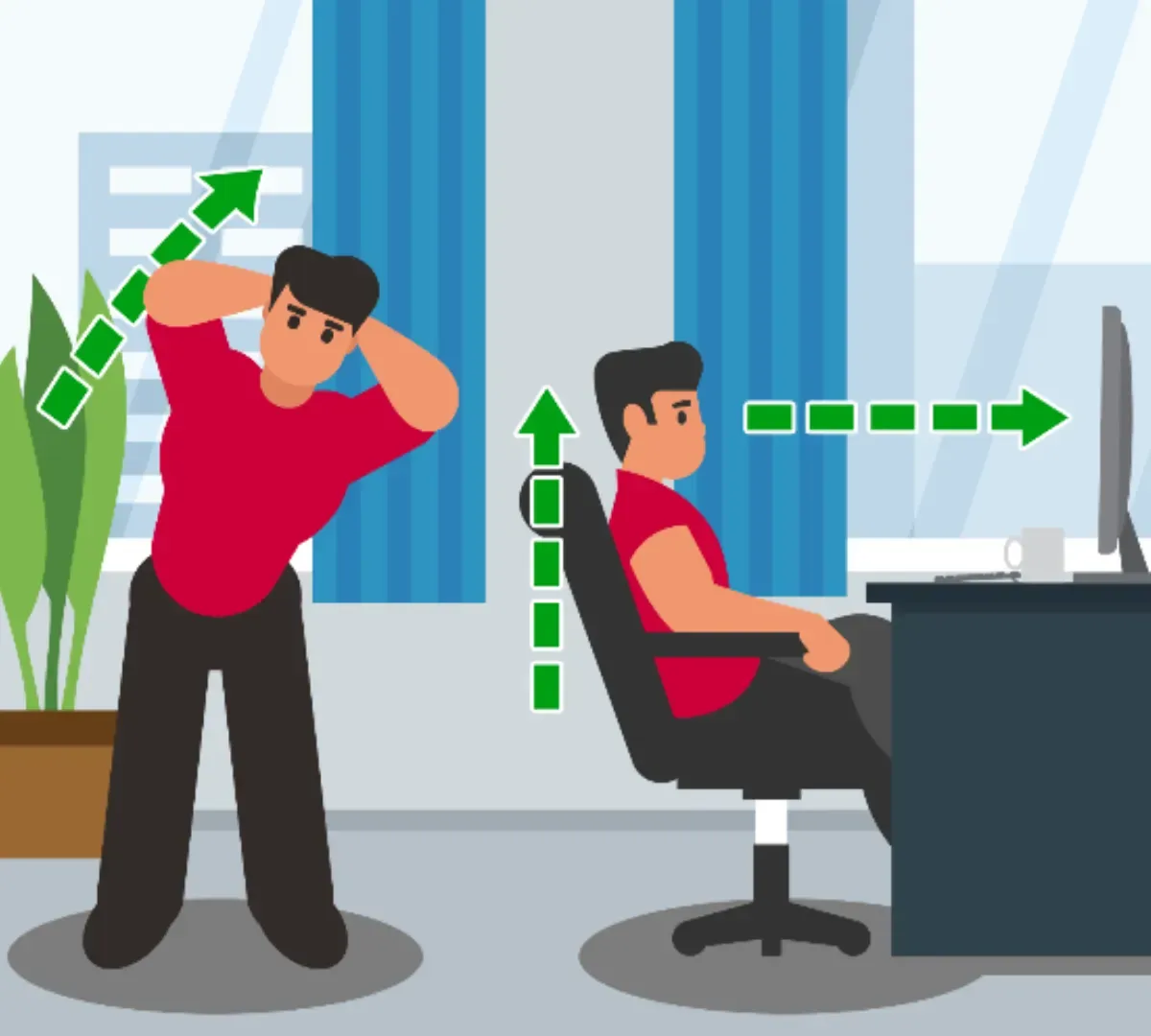
What You Need to Know About Desk Ergonomics
Feeling the aches from poor workspace setup? Discover how desk ergonomics can boost productivity, reduce muscle fatigue, and alleviate work-related pains. Learn practical tips to optimize your posture and create a pain-free work environment.
Are All Downloads on Mobile App Stores Safe?
Before downloading an app, learn the steps to take to keep your device safe. Billions of apps are downloaded annually. But make sure you’re avoiding putting your device or data at risk. Understand the risk of malicious app downloads.

Don’t Fall for Deepfake Voice Scams
Deepfake voice scams are increasingly common. And they are convincing. You might get a call from a family member, a celebrity, or a tech support rep who wants your help urgently. Be cautious. Find out more about this new way of getting access to your personal information or financial data.
Easing the Business Tech Burden
Keeping up with business technology can feel like an endless hassle. There’s always some new change, upgrade, security threat, law, or something else to consider. And you have a business to run. Partnering with a managed service provider (MSP) means you don’t have to do IT alone.
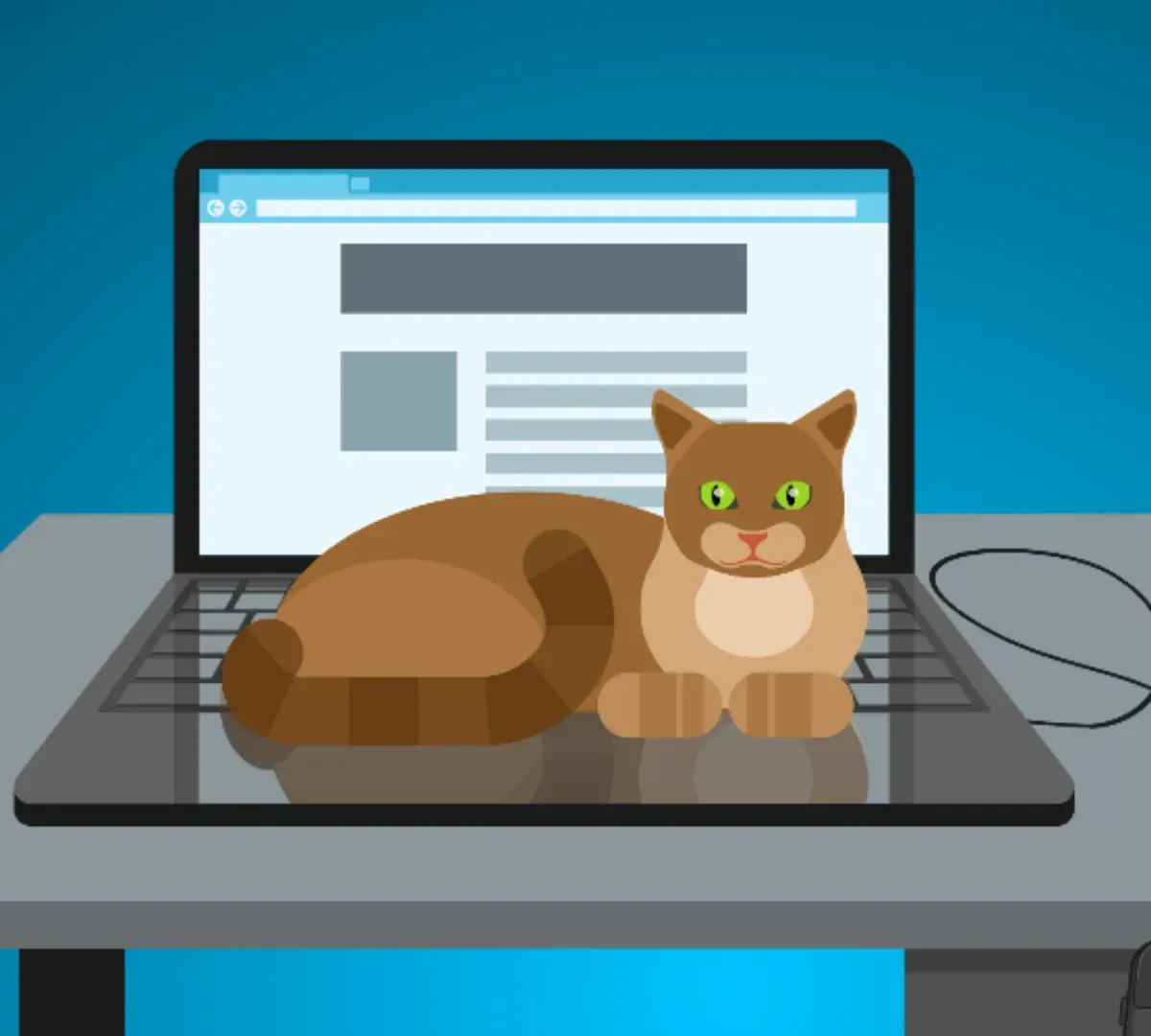
How to Avoid Pets Damaging Your Computers
As more people work from home, the number of pet co-workers has increased. However, as adorable as they may be, pets can cause serious damage to your computers and devices. From scratching screens to chewing cables, this article explores the potential risks and provides tips for pet-proofing your workspace. You may be a cat or dog lover, have a bird, rabbit, or gerbil. Whatever creature you invite into your home, don’t overlook the potential damage a pet can do.
Is ChatGPT Safe for Businesses to Use?
ChatGPT can bring many benefits for businesses. But before you start using this AI-powered language model, learn about the risks you can encounter. Knowing how to safely use this increasingly popular technology, you’ll be able to try it out with confidence.
IT Cybersecurity Notifications Explained
Learn about different types of cybersecurity notifications and how to protect your systems and data. From vulnerability alerts to threat detection, understanding these distinctions minimizes damage.
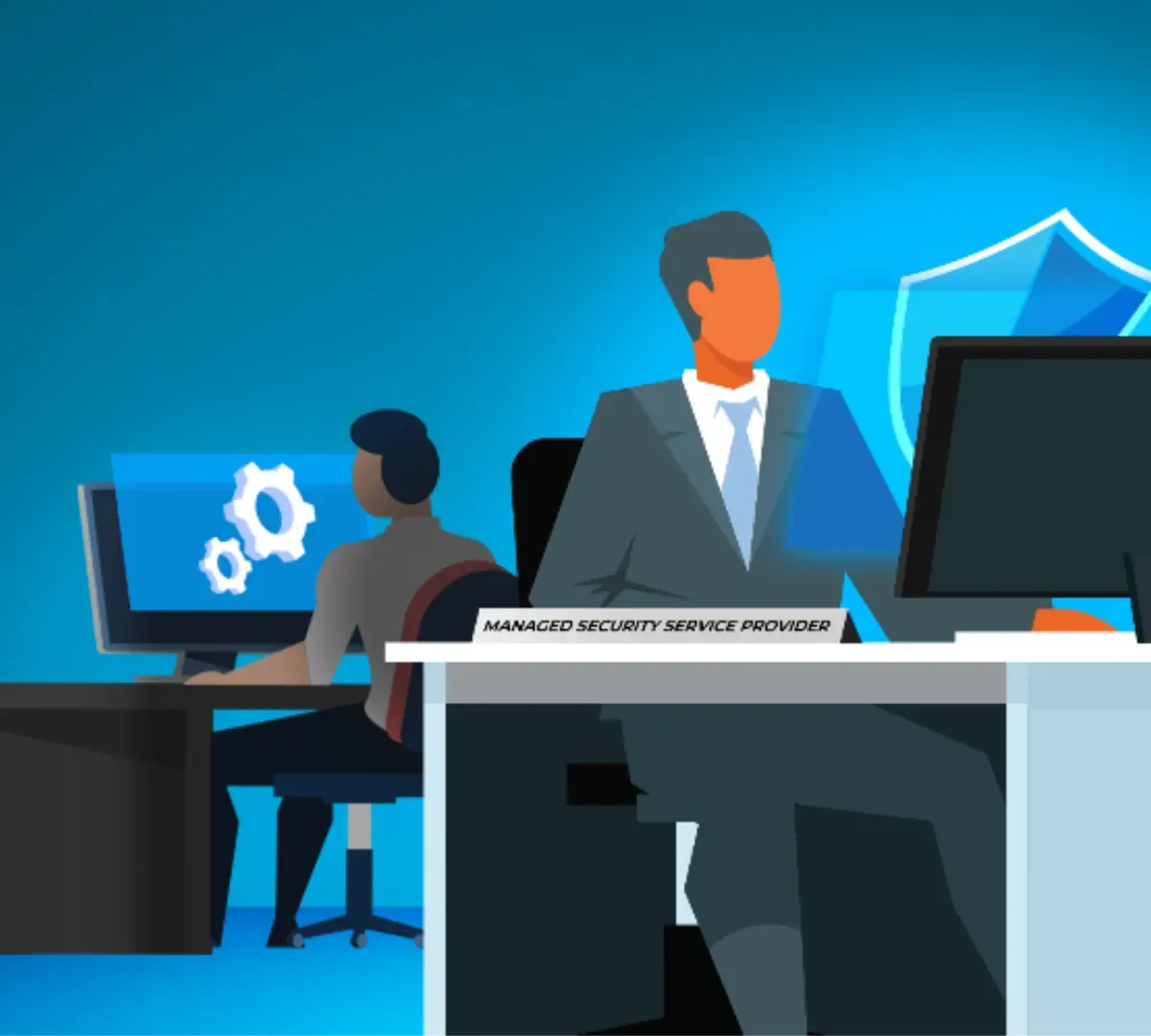
MSP vs. MSSP: What’s in an Extra S?
In the world of IT, one letter can separate two important service providers: MSPs and MSSPs. But what sets them apart? We break down the distinctions, highlight practical examples, and explain why knowing the difference is crucial for your business.
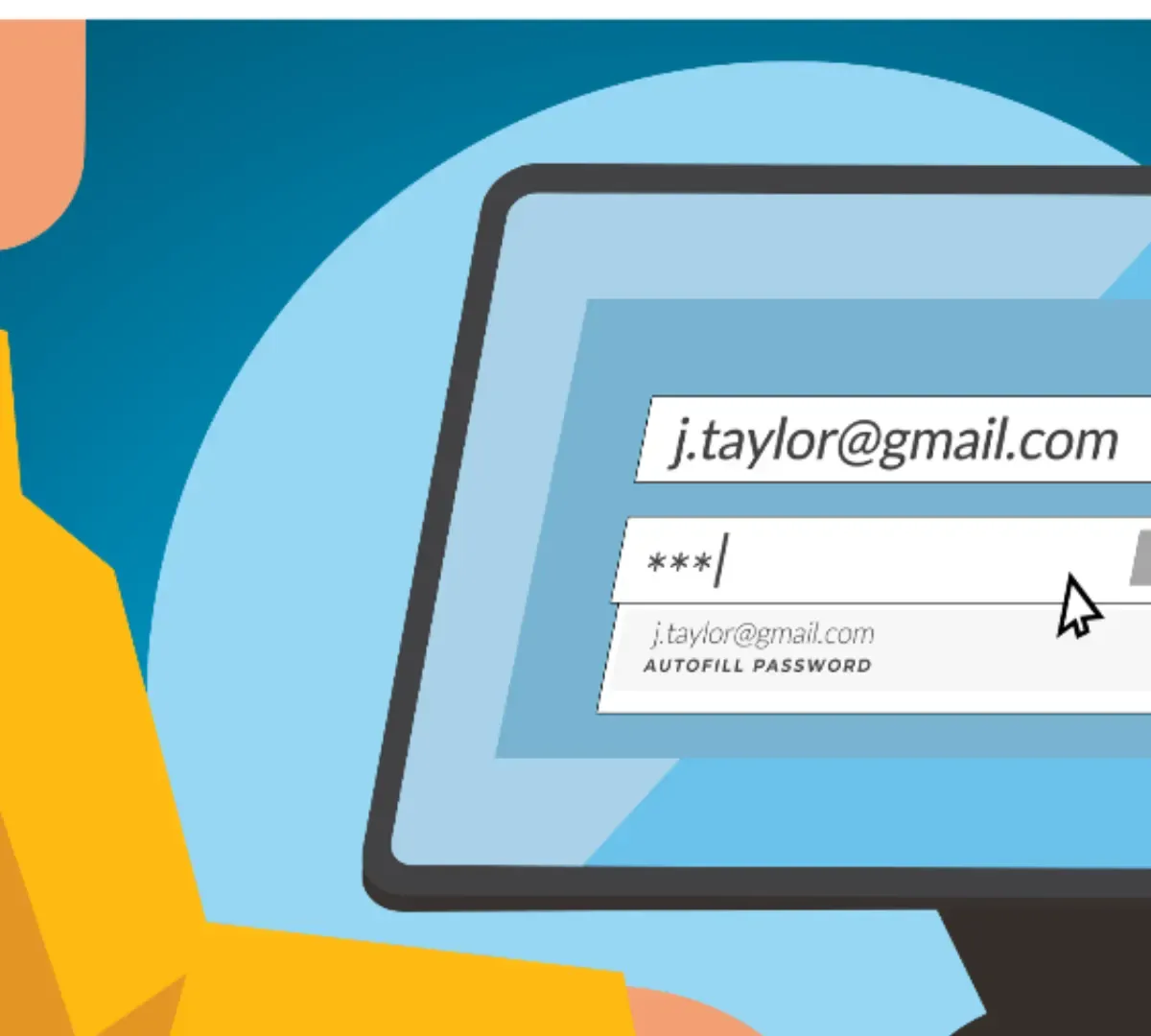
Password Autofill: Convenience Compromising Security?
The convenience of password autofill on web browsers may not be as safe as it seems. Learn about the risks of autofill, how hidden forms can compromise your security, and how to disable autofill to protect your passwords.
Staying Organized with Microsoft 365
Discover the power of staying organized with Microsoft 365. From Outlook and Microsoft Bookings to OneDrive and Teams, explore how this all-in-one platform will enhance your productivity and simplify your work life.
What is Zero-Click Malware?
Zero-click malware poses a significant threat to your device security. Unlike traditional malware, it infects without any interaction from you. This article explores the dangers of zero-click attacks, their methods of exploitation, and provides essential tips to protect yourself against this insidious form of malware.
An AI Assistant in Microsoft 365: Copilot
You’ve probably heard about artificial intelligence tools for your business. Things like ChatGPT and Google’s Bard are gaining momentum. If you’re a Microsoft user, you may want to try out CoPilot in Microsoft 365 to see how the AI assistant can simplify your work life.
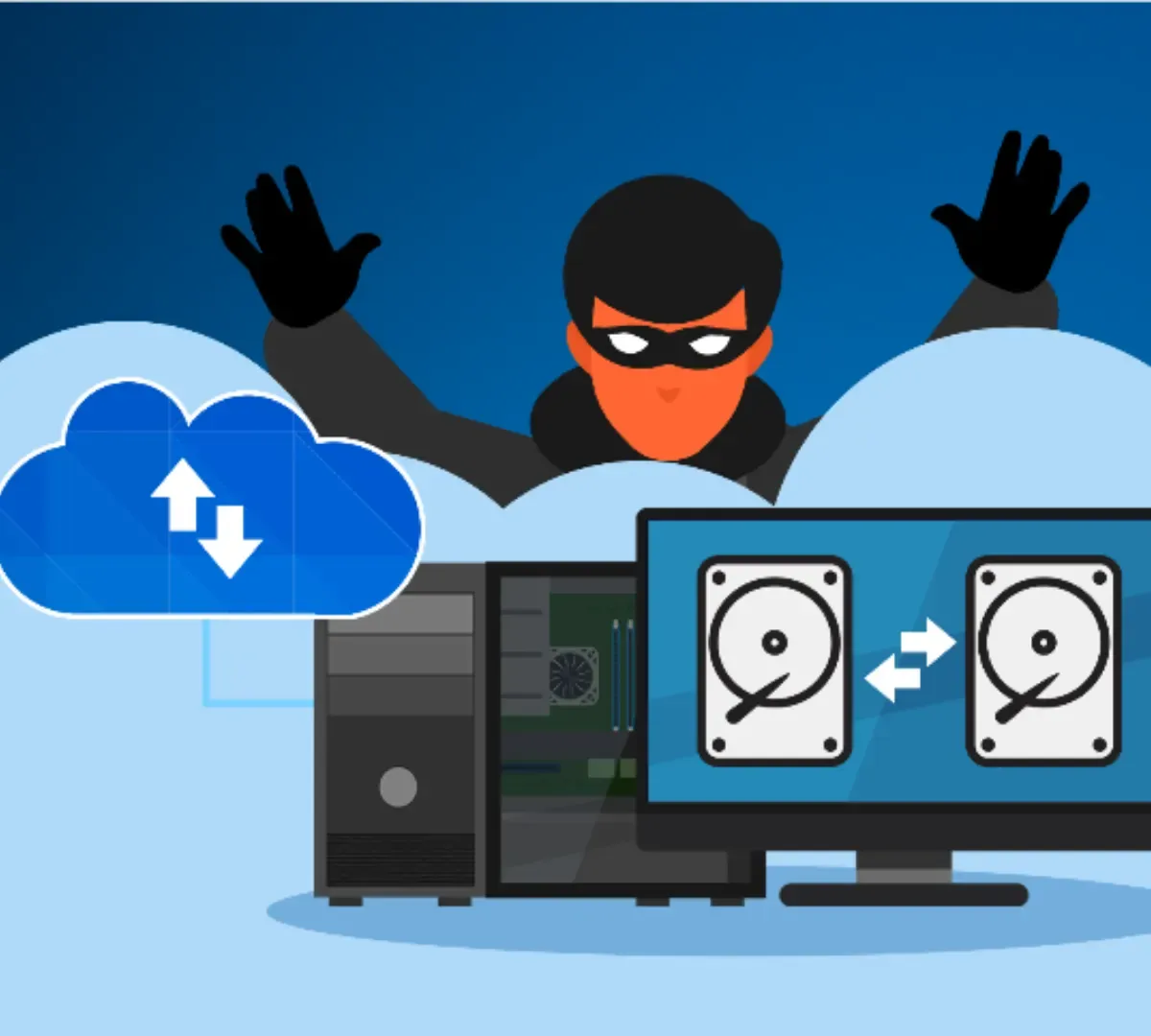
Are Your Backups Safe?
Ransomware attacks remain prevalent. Having a backup strategy can help you avoid paying the ransom to retrieve access to your data. Yet, is your backup safe? Attackers will look to find and exploit any gaps. Know the risks and how to secure your backup.
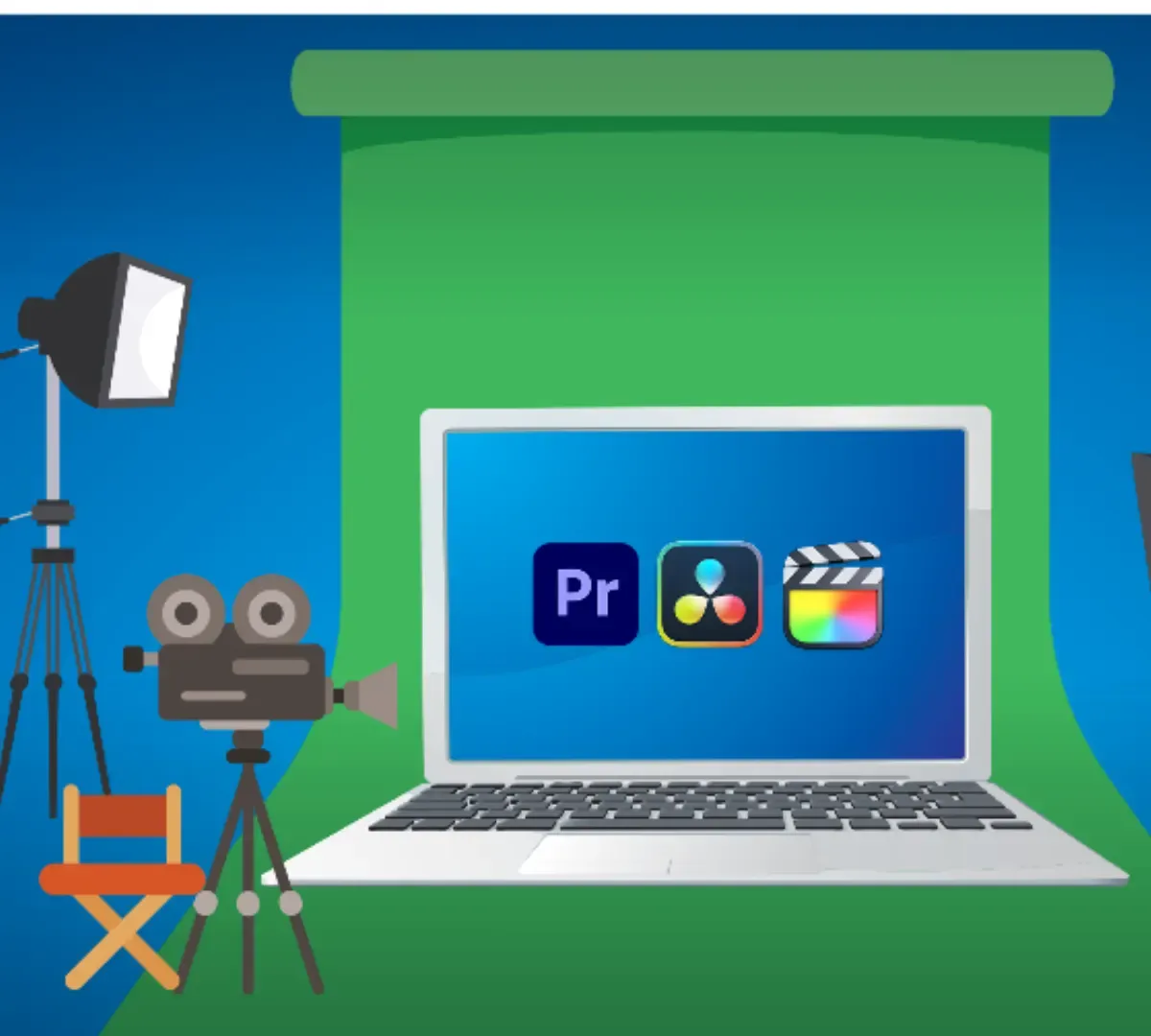
Choosing the Right Laptop for Your Content Creation
Creating and editing videos on a laptop? Depending on your aspirations for high-quality or long-form content, you could need to upgrade your laptop. Learn the top considerations for content creators in the market for a new laptop.
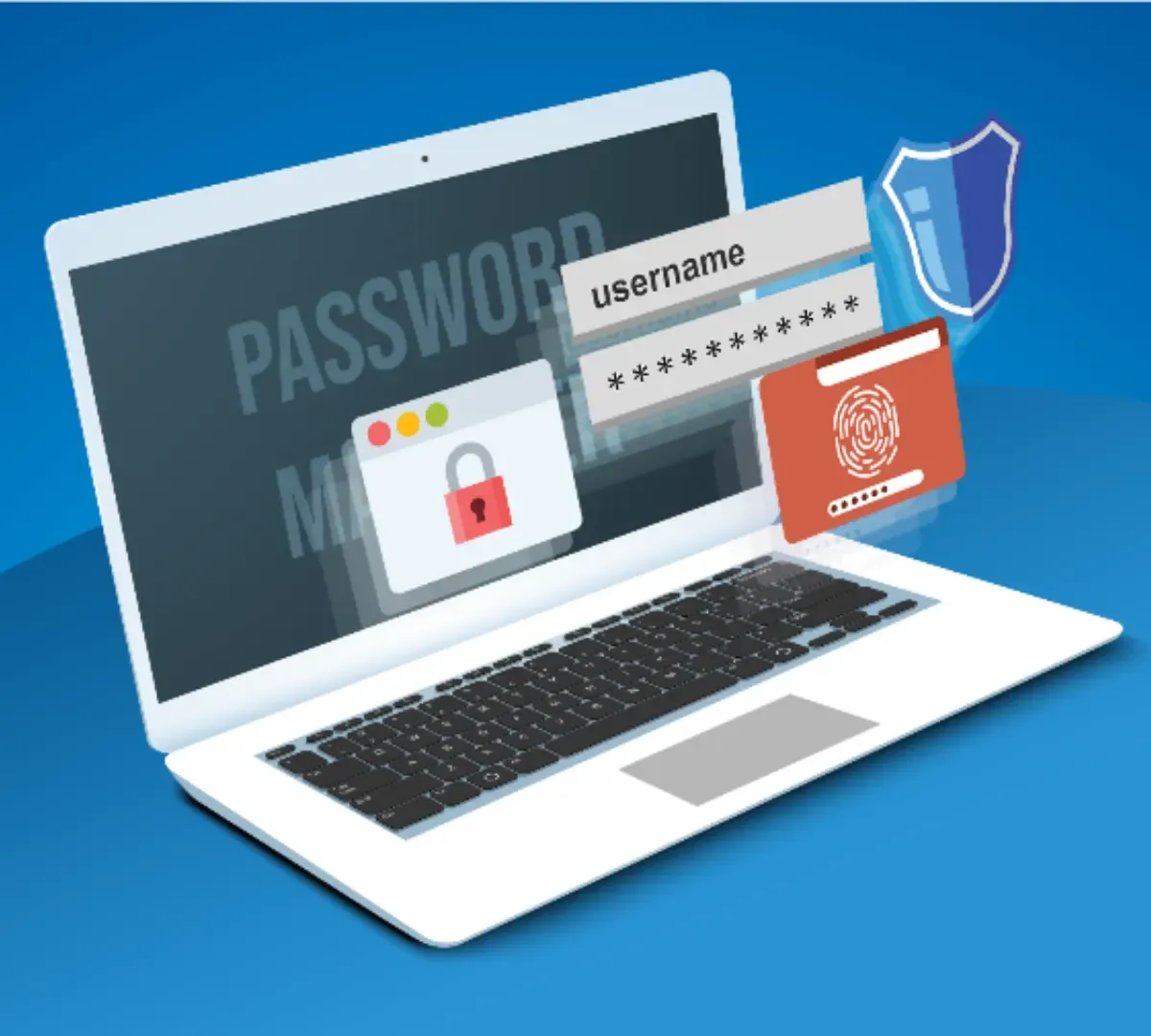
Don’t Give Up on Password Managers
With the news that a major password manager was hacked in December 2022, securing sensitive business and client data can seem helpless. Don’t give up. Read our look at the latest ways to protect your passwords and avoid unauthorized access.
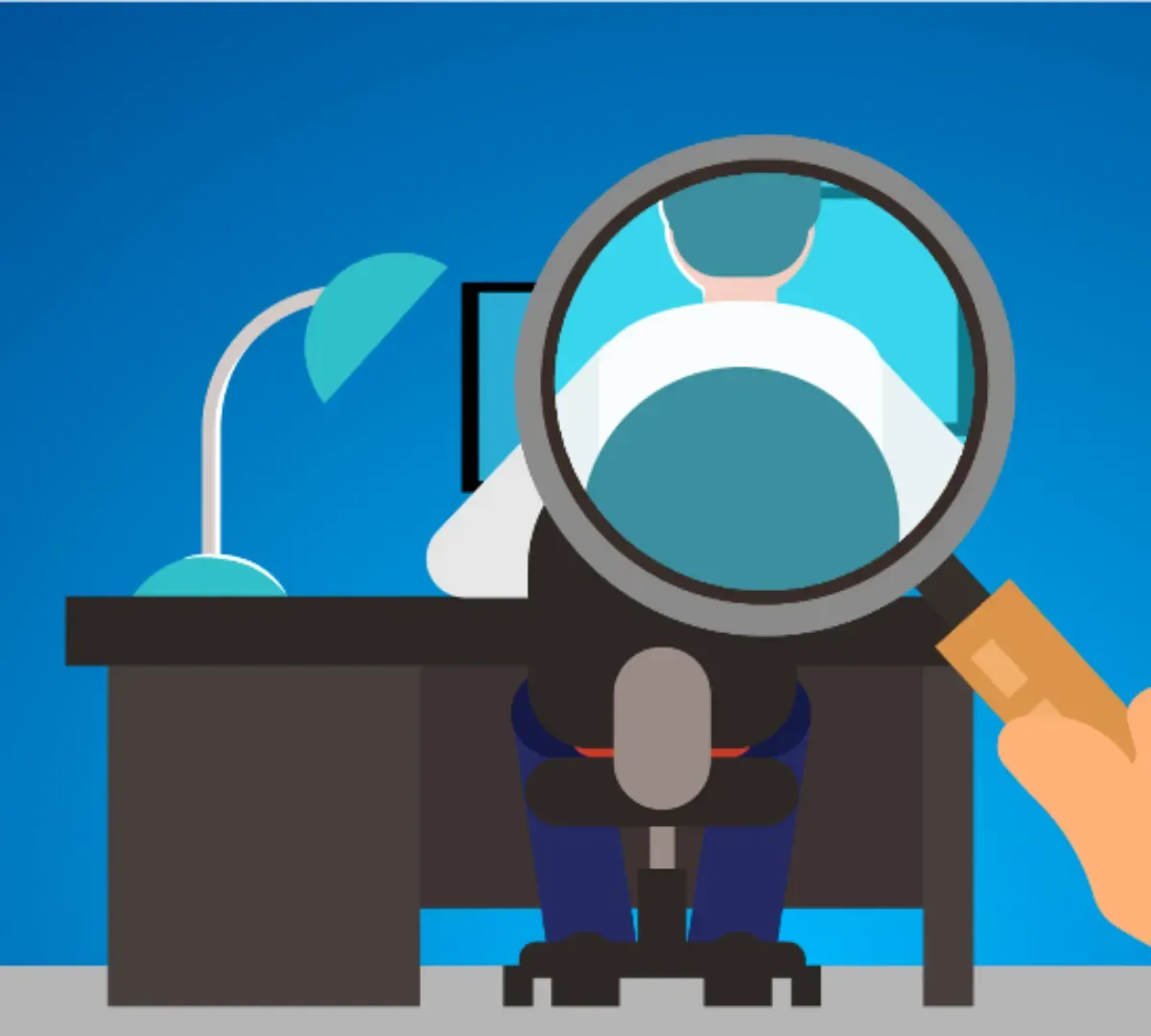
Pros and Cons of Employee-Monitoring
Consider the benefits of monitoring employees using your business IT against the possible disadvantages. The software is simple to use but could have implications for your employer-employee relationship.
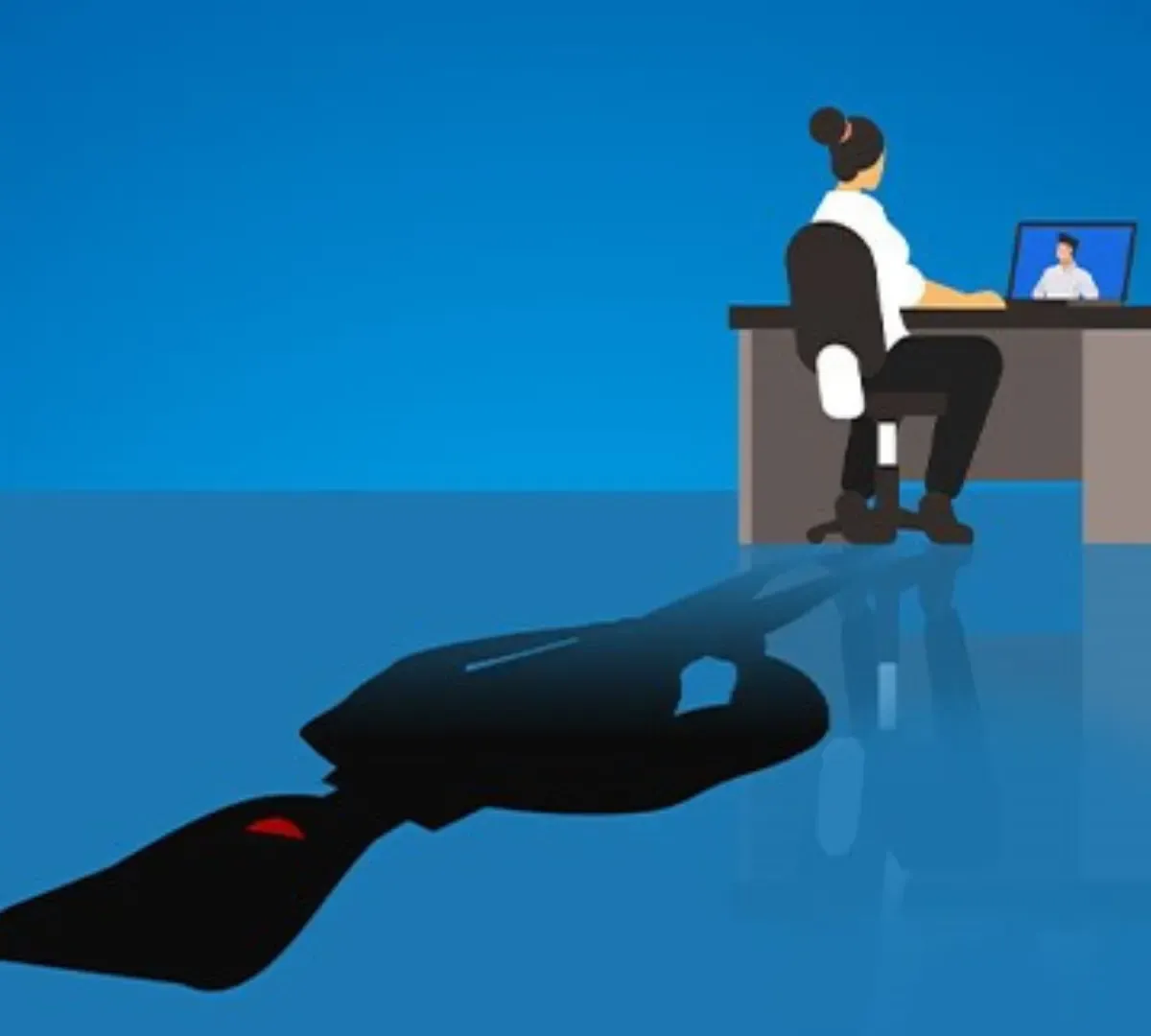
Tackle These Four False Assumptions about Cyber Attacks
People have some misconceptions about cyber criminals and how they make their attacks. Falling for false assumptions can make your business vulnerable to social engineering. Take the time to learn the truth and educate your employees too.
Tech Tips Everyone Should Know
Millions of us have computers, but that doesn’t mean we all know the shortcuts that can make our lives easier. Check out our article to learn top tips to search Google smarter, simply screenshots, undo mistakes and more.
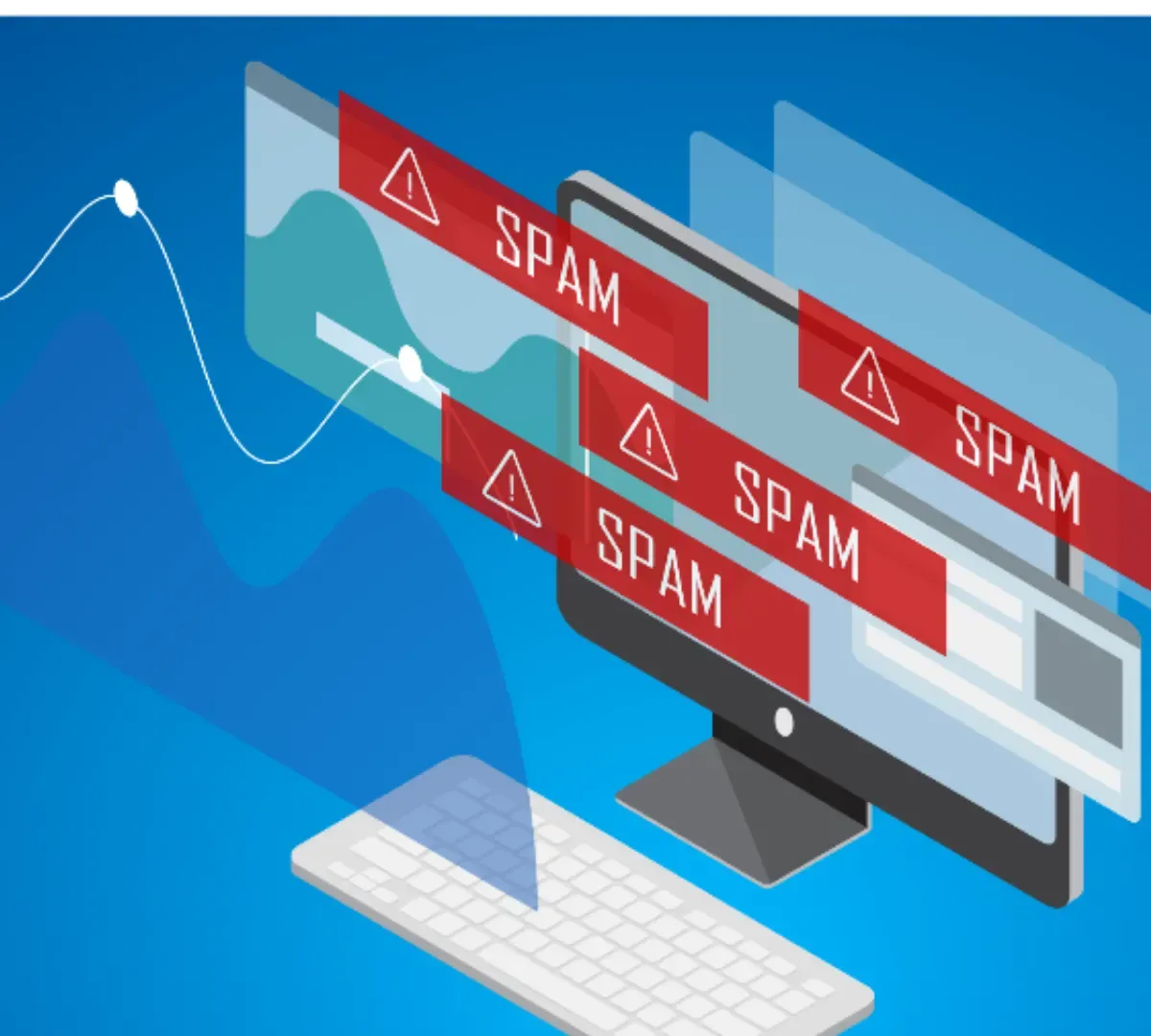
Ways to Cut Spam from Your Inbox
Are you getting too many unwanted email messages? There are several steps you can take to block spam senders. Our latest email talks about which providers to prefer, how to block unwanted messages, and shares other tips to cut your spam.

Why Traditional Antivirus Software Falls Short Against
With the benefits of the internet, there emerged an underbelly of digital threats and cyber-attacks. To combat these, various forms of defensive software, including antivirus applications, were developed. However, while traditional antivirus software was a critical tool in the early days of cyber-security, their effectiveness has diminished in the face of modern attacks.
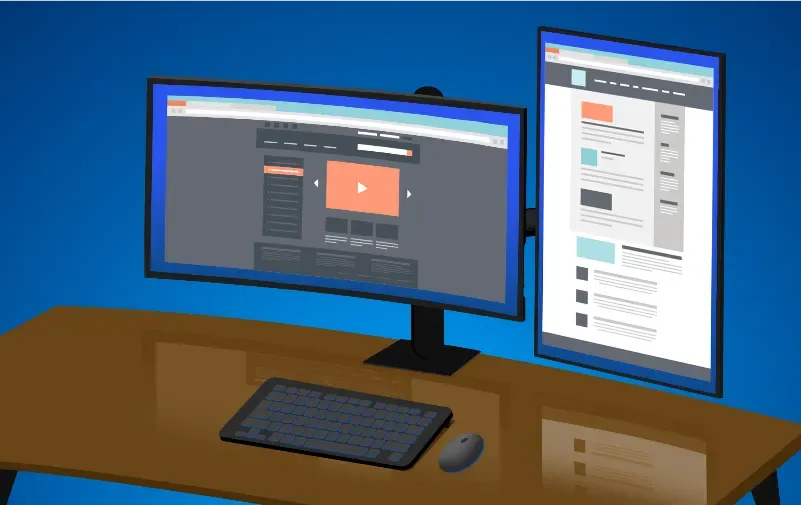
Benefits of a Vertical Monitor
You are likely looking at this on a horizontal screen. But you could reduce eye strain and improve productivity by setting up a vertical display. As long as you have a VESA-compatible monitor, you can change your screen’s layout and give it a test run.
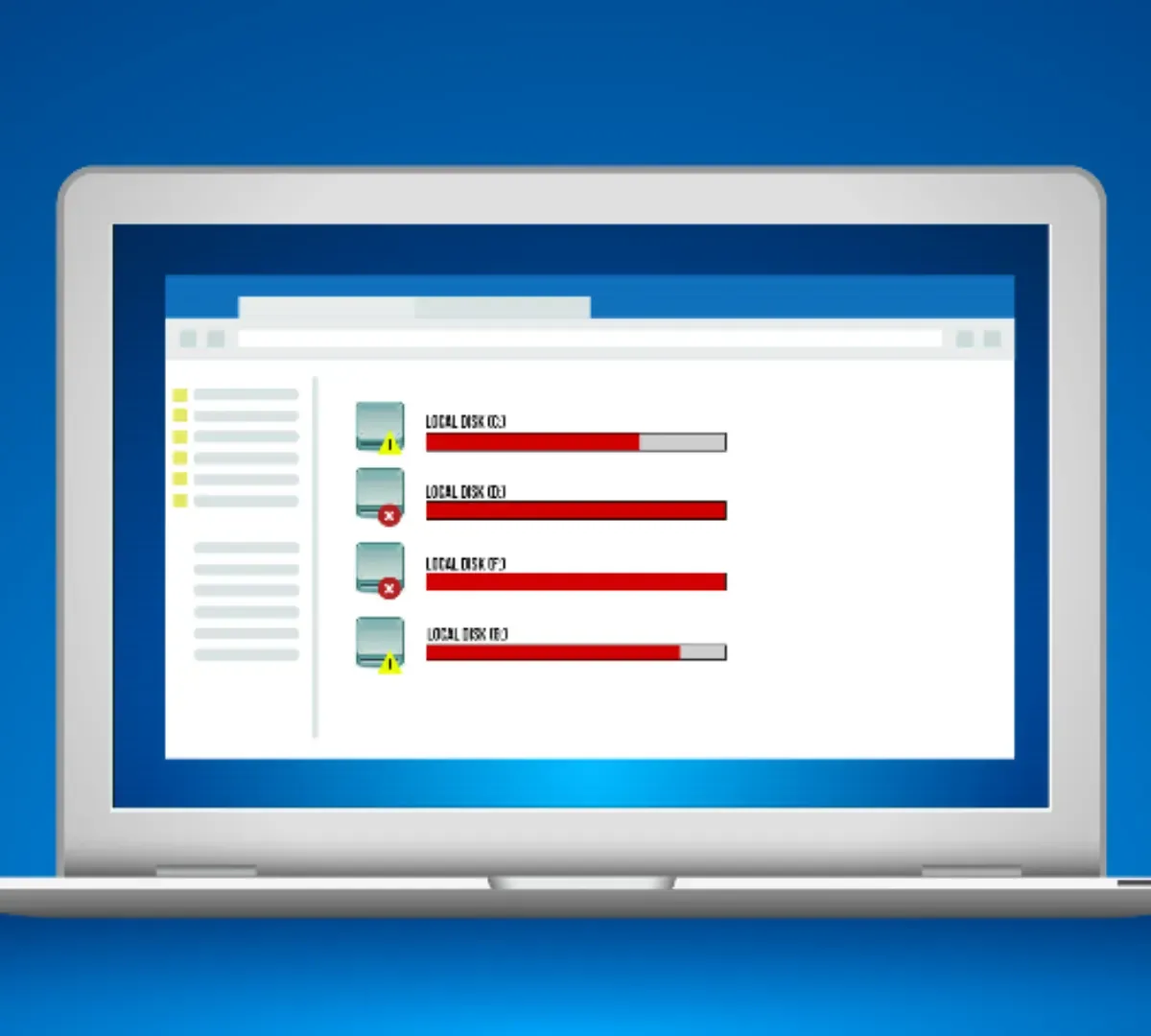
How Much Laptop Storage Do You Need
Knowing how much storage to get with your laptop purchase can feel like a skill testing question. This article shares the top considerations in making the choice. You’ll want to know more about both HDD and SSD storage when picking.
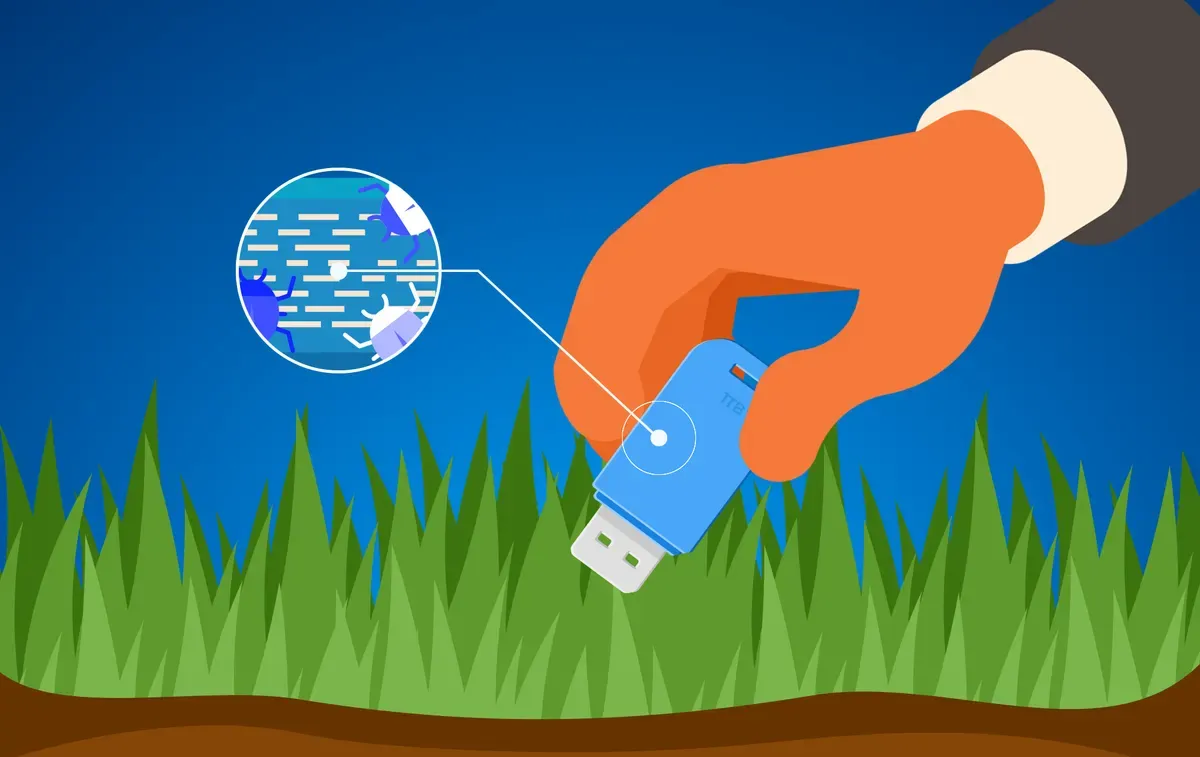
Leave that USB Drive Where You Found It
Some 60% of people will pick up a USB flash drive found near their work and plug it in. Don’t be one of those people. That USB drive could contain malware to encrypt or steal your data, monitor your screen, or control your keyboard. Avoid the risks.
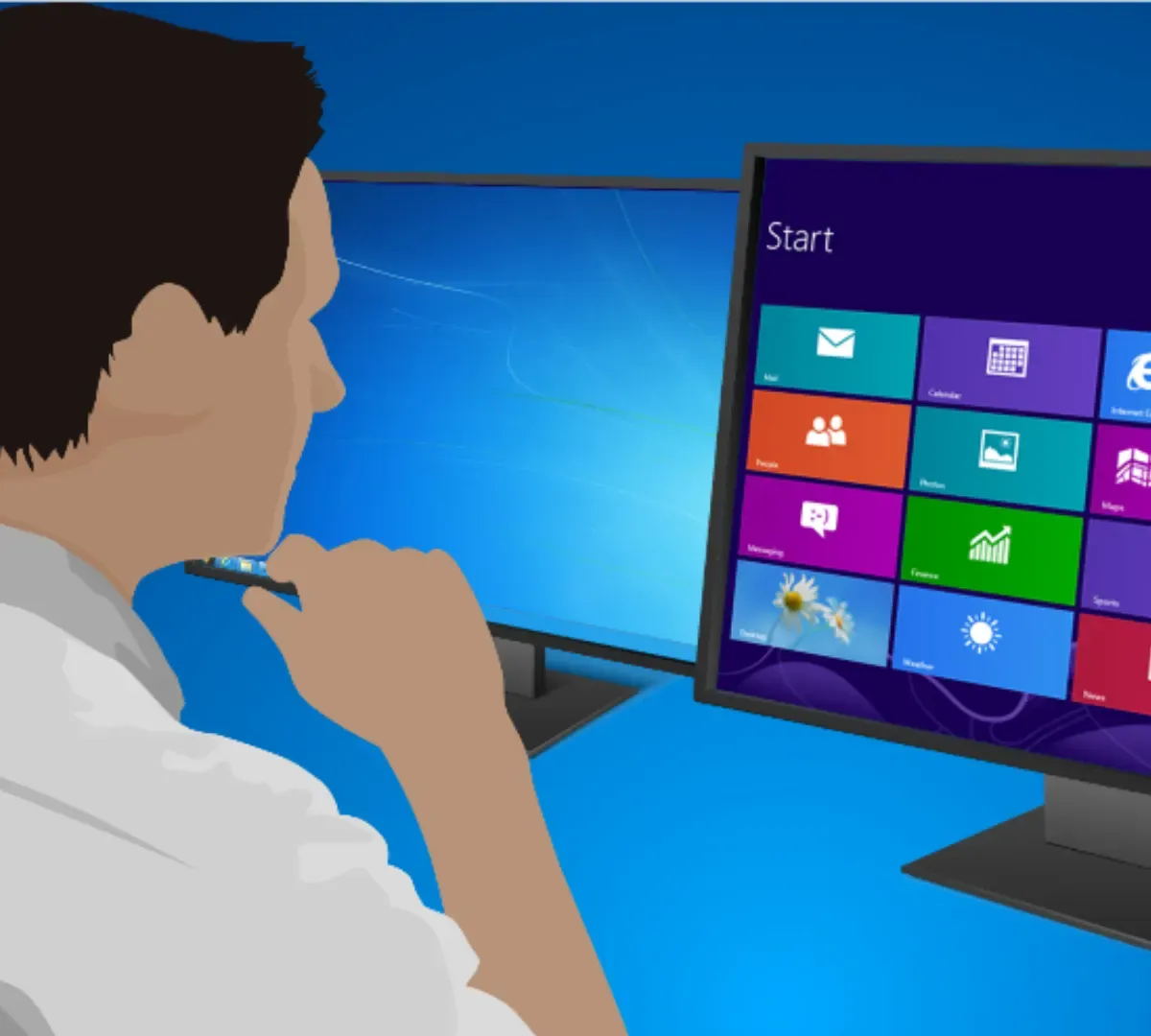
Stop Using Windows 8.1 and Windows 7 – Do It Now!
Change is seldom fun. But if you’re still using Windows 8.1 or Windows 7, you need to take action. Microsoft has stopped offering support or security updates for either one. You need to upgrade or you could be leaving your computer at risk of attack.