For the computer on the kitchen table.
The same care, scaled down. What to watch for, what to ignore, and what to do the moment something looks wrong.
90 articles · page 2 of 4
Screen issues? Here's how to fix them fast.
Screen looking weird all of a sudden? You're not imagining it. Strange font sizes, wandering icons and floating taskbars are more common than you think. Here’s how to fix the most common display problems or know when to call us.

Onsite tech visits can solve problems faster.
Sometimes, the best fix for a tech problem is having someone see it in action. Here’s why more people are calling computer technicians to their homes and how an onsite visit could save you stress, time, and frustration.
Tech help made easy—setup, fix, and learn in person.
Need help with your tech? Whether it’s setting up devices, learning new apps, or fixing Wi-Fi issues, our friendly, face-to-face support makes it easy. Discover how we can help you feel more confident and in control of your technology.
Pirated software = hidden risks, not worth it.
Pirated software might seem like an easy shortcut, but it often comes with hidden dangers—malware, privacy breaches, and legal headaches. This article reveals what really happens behind the scenes and why the risks simply aren’t worth the gamble.

Smart laptop picks: power & value in one guide.
Finding the right laptop means avoiding both flimsy budget models and overpriced powerhouses. So, where’s the sweet spot? Our latest guide helps you strike the perfect balance—ensuring you get a durable, high-performing laptop without overspending. Read more to make a smart choice!

Free streaming sites risk more than they’re worth.
Free streaming sites promise unlimited entertainment, but are they really safe? The risks could cost you more than a legal streaming subscription. Before you click that play button, find out what dangers lurk behind these "free" sites.
March 31st is World Backup Day. Is your data backed up?
March 31st is World Backup Day—a perfect reminder to safeguard your digital files before it’s too late. Accidental deletion, hardware failure, or cyber threats can wipe out important data in an instant. Learn how to build a solid backup plan today!
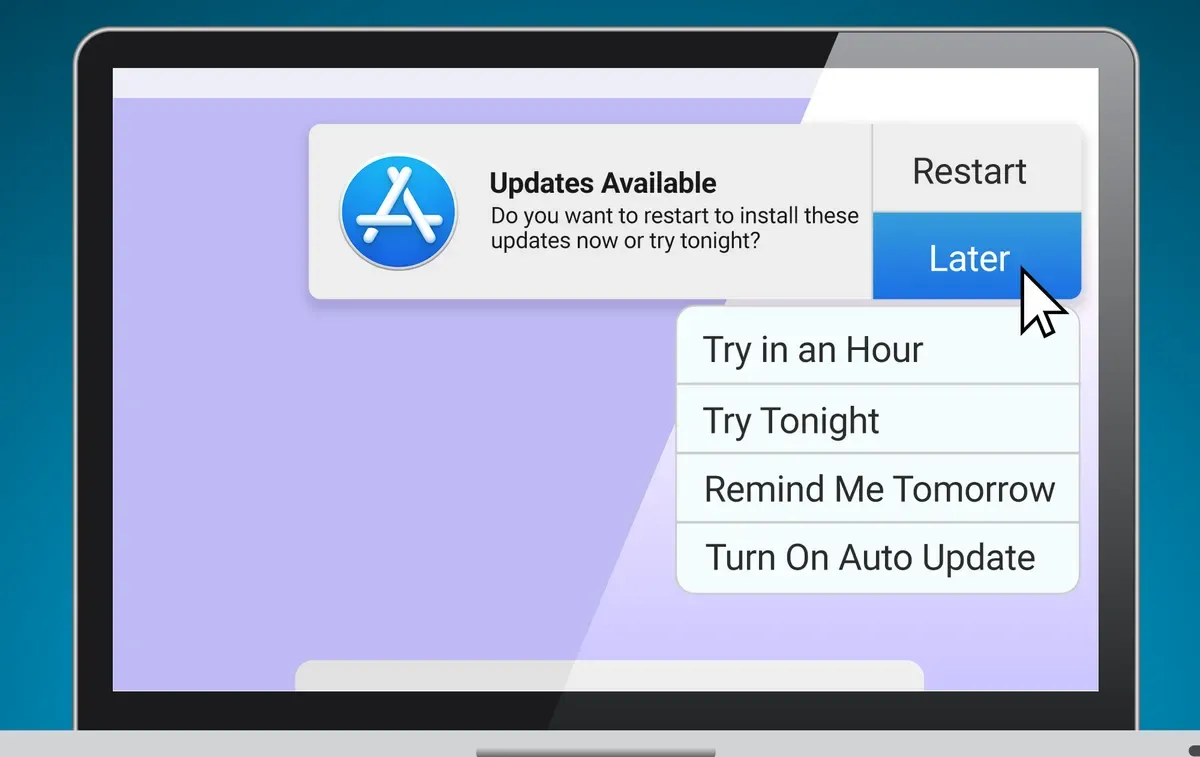
Delaying updates can lead to security risks.
Delaying software updates might seem harmless, but it can lead to security risks, software bugs, and performance issues. Is it really a big deal to ignore them? Let's break down why keeping your laptop updated is crucial.
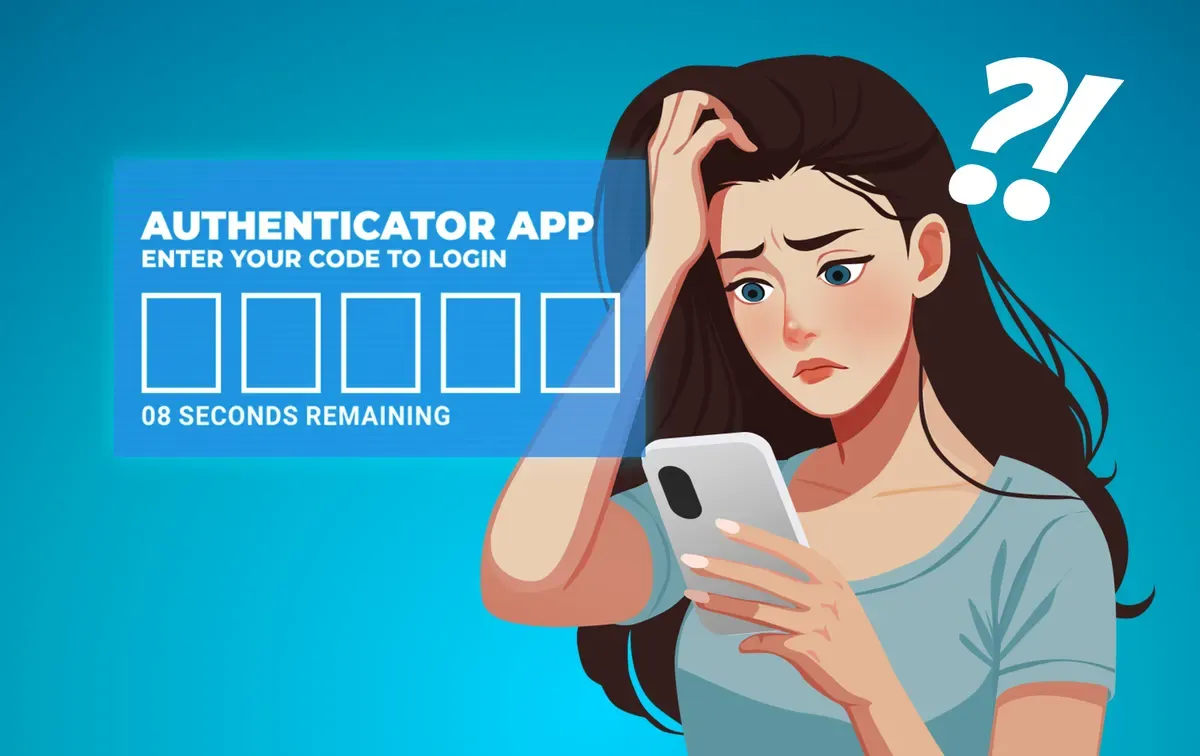
Avoiding being locked out of Two Factor Authentication
Two-factor authentication boosts security, but losing access to your 2FA can lock you out of your own accounts. This guide shares essential tips to prevent lockouts and manage 2FA securely. Don’t let your safety measures become a headache!
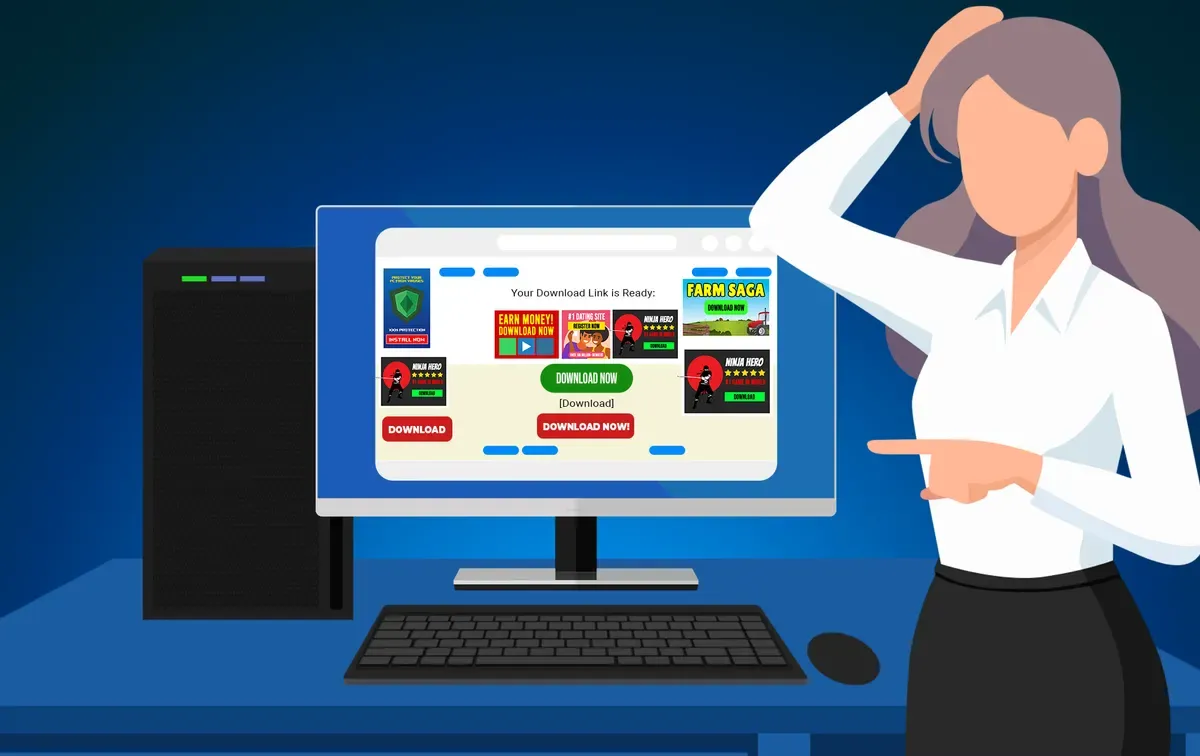
Spot fake download buttons to protect against malware.
Navigating online downloads can be tricky, with fake buttons posing real dangers. Learn how to spot these deceptive traps and protect your device from malware. Stay informed, stay safe.
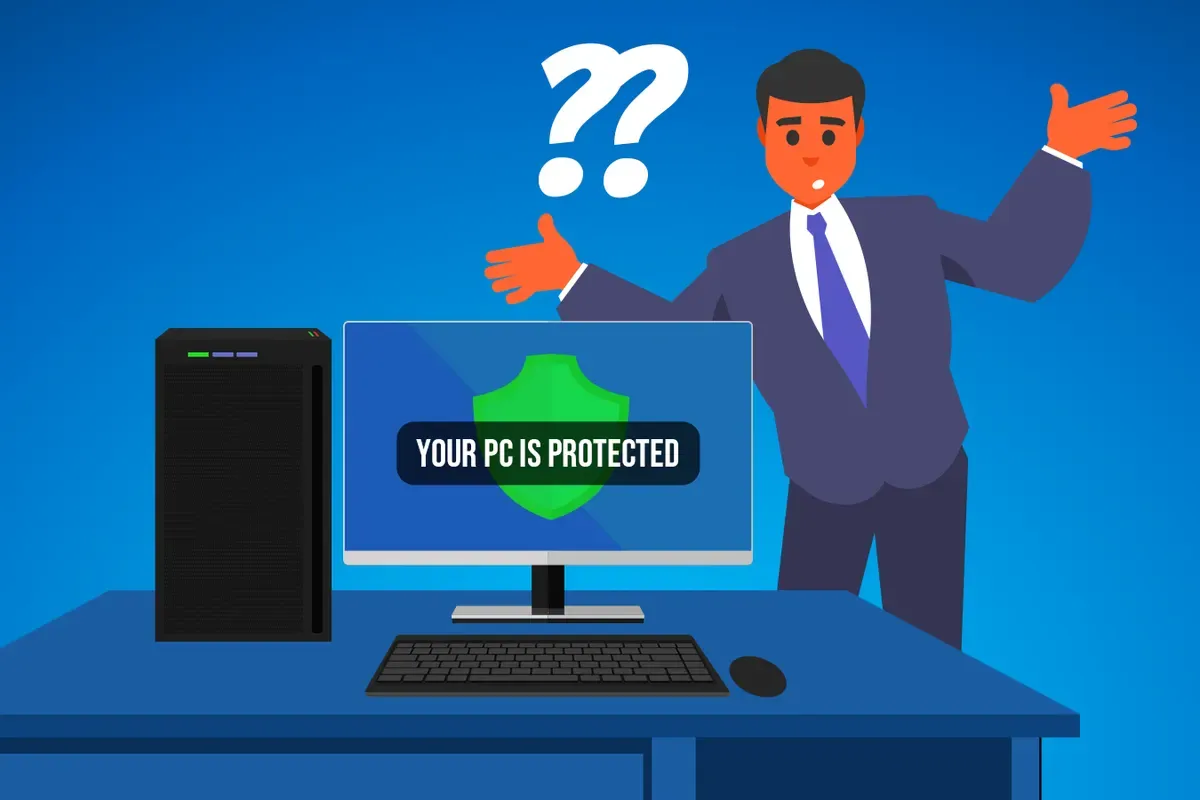
Antivirus in 2025: Is built-in protection enough?
Still wondering if you need antivirus software in 2025? Built-in protections like Windows Defender have improved, but are they enough? Discover the latest threats and learn whether free or paid antivirus is right for you.
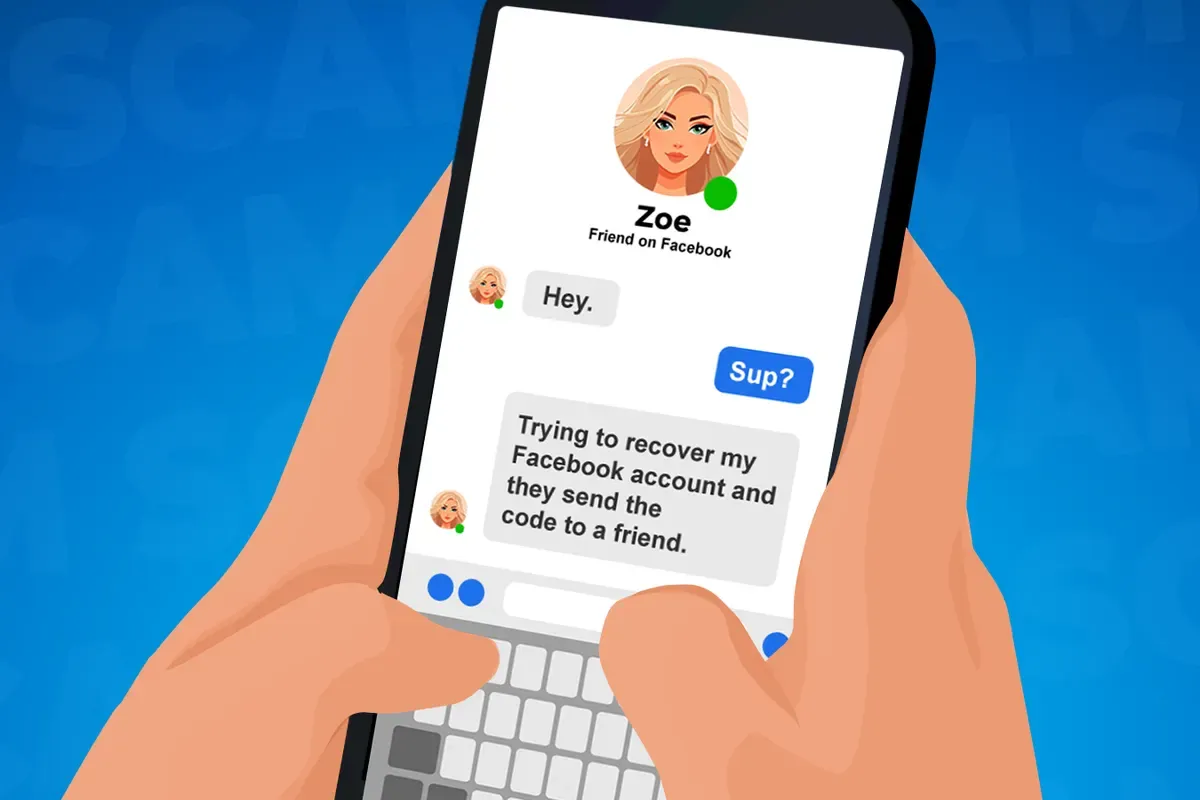
Beware: Scammers use friends to steal your login codes.
Your friend asks for help on Facebook or Instagram—seems harmless, right? Think again. Scammers use your friends to trick you into giving away your login code. Learn how this clever scam works and simple steps to keep your account safe.

Deepfake scams use AI. Learn to spot them.
Deepfake scams use convincing AI videos for fraud. Learn to spot and protect yourself from them.
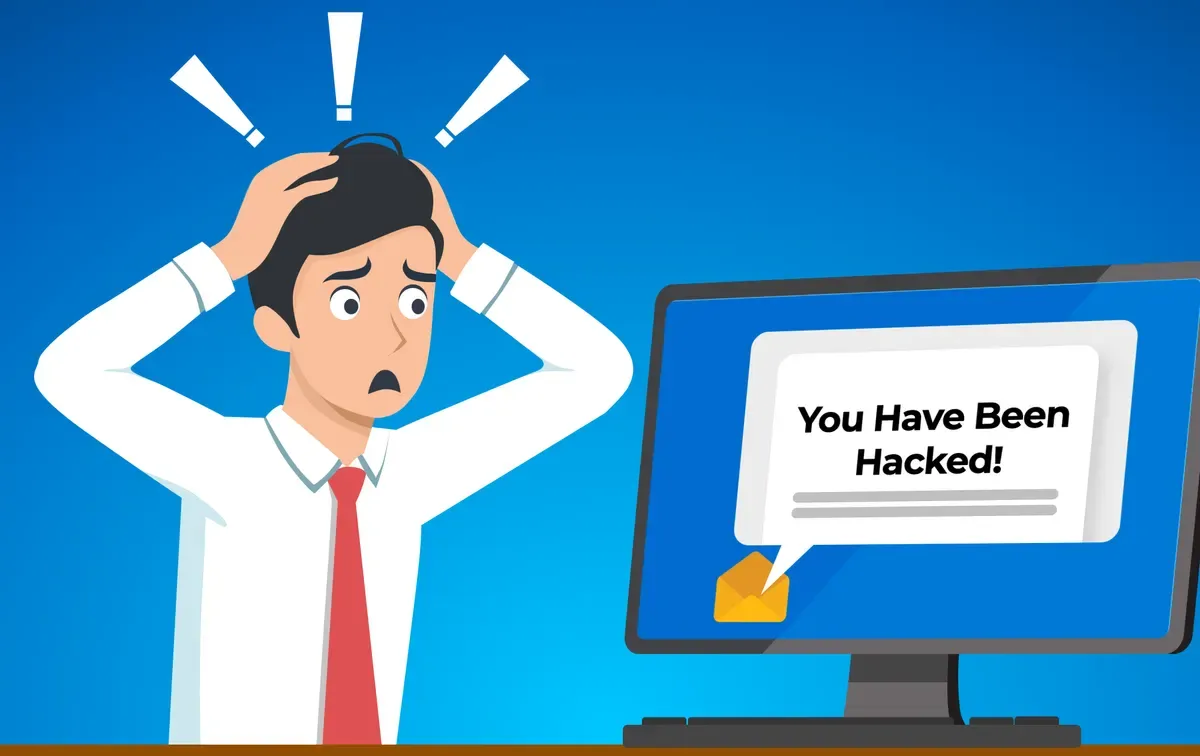
Email scam claims hack; learn to protect passwords.
Email scam claims hacking and demands payment. Learn to protect passwords.
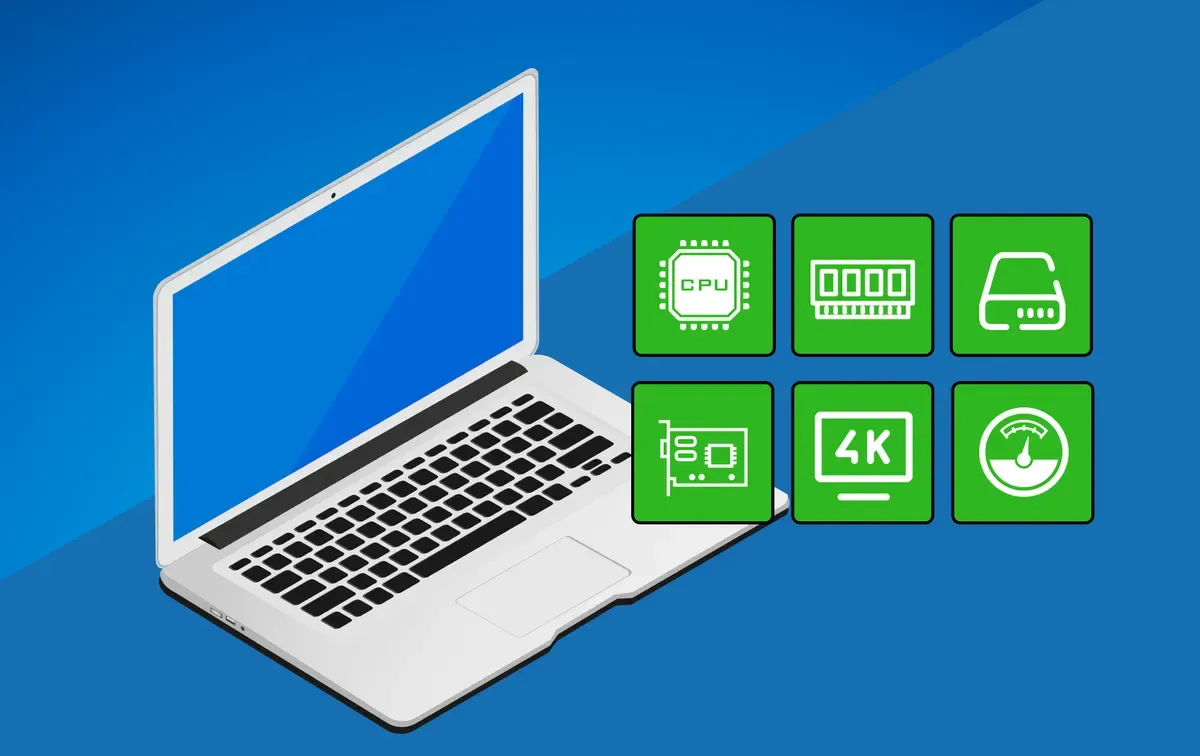
Find budget laptops that balance cost & quality.
Shopping for a budget laptop? It’s easy to get burned by cheap options that can’t handle even the basics. Learn what key specs to look for to get a laptop that balances price and performance without sacrificing quality.
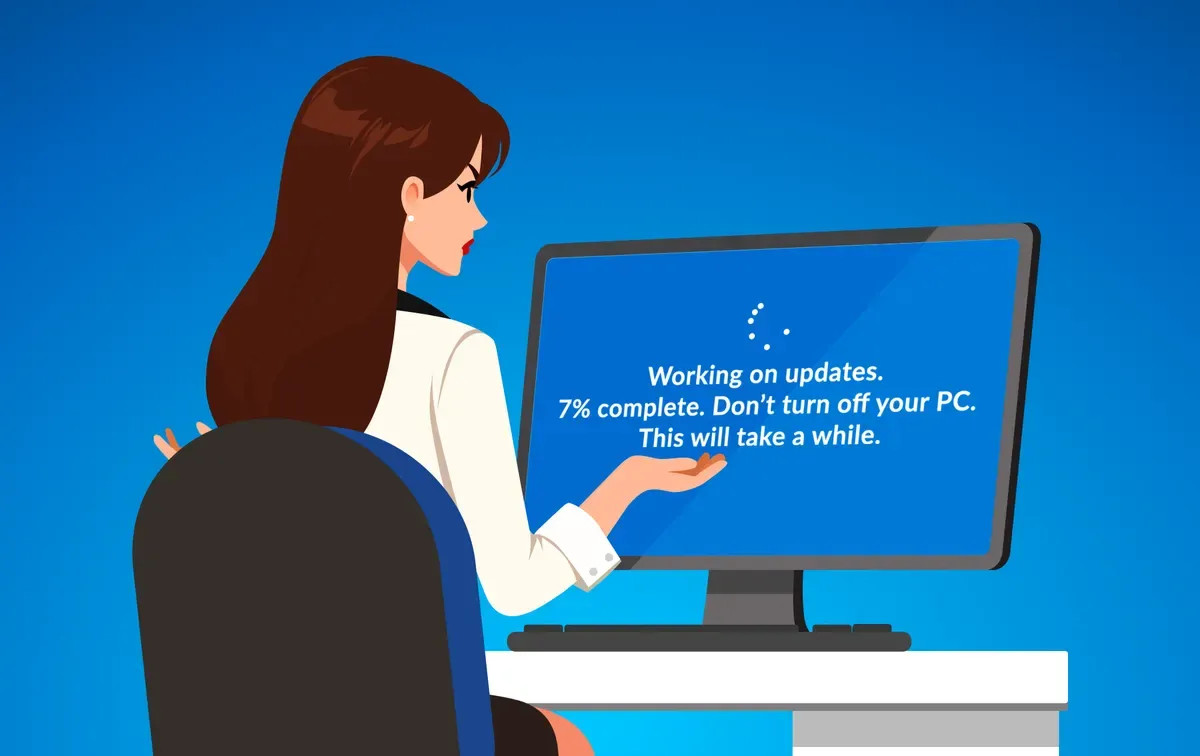
Interrupting updates risks data loss & crashes.
Interrupting a Windows update can cause serious issues like boot loops, data loss, or even the blue screen of death. Find out what happens when an update is interrupted and how to avoid costly problems with expert help.
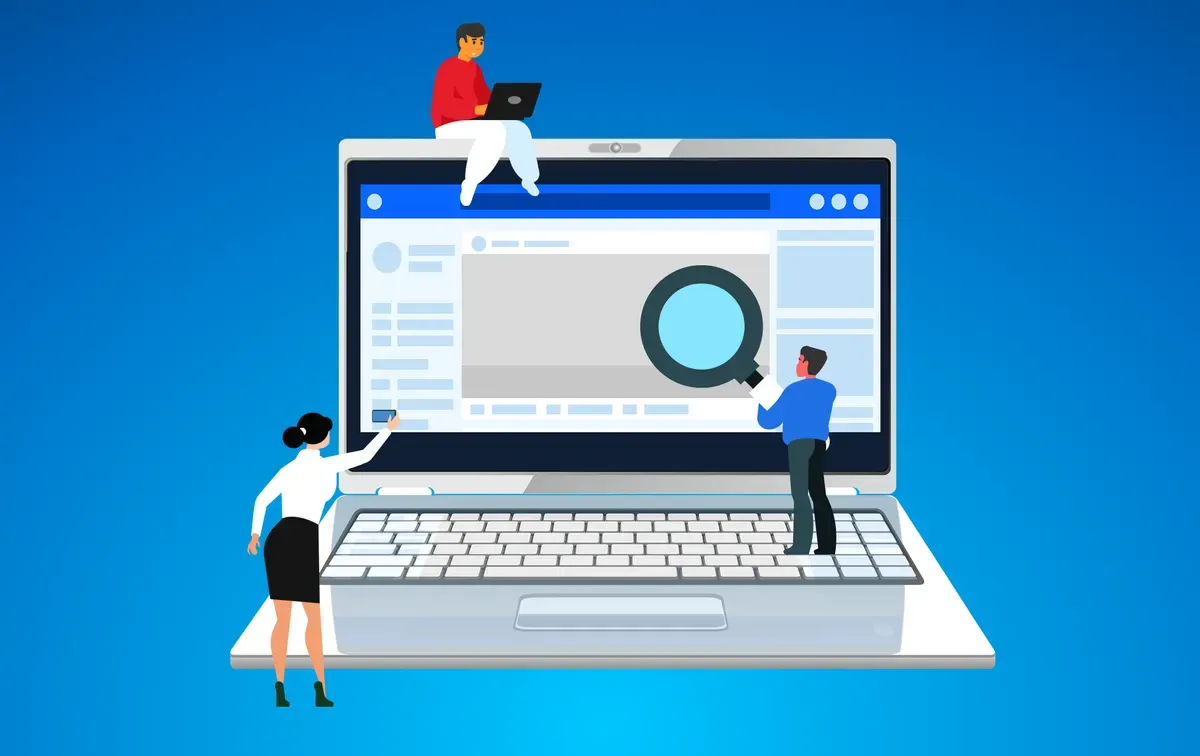
It's time to revisit your Facebook privacy settings.
It's time to revisit your Facebook privacy settings. With the platform evolving and privacy risks increasing, your personal information might be more exposed than you think. Discover the steps you can take to protect your data and stay secure online.
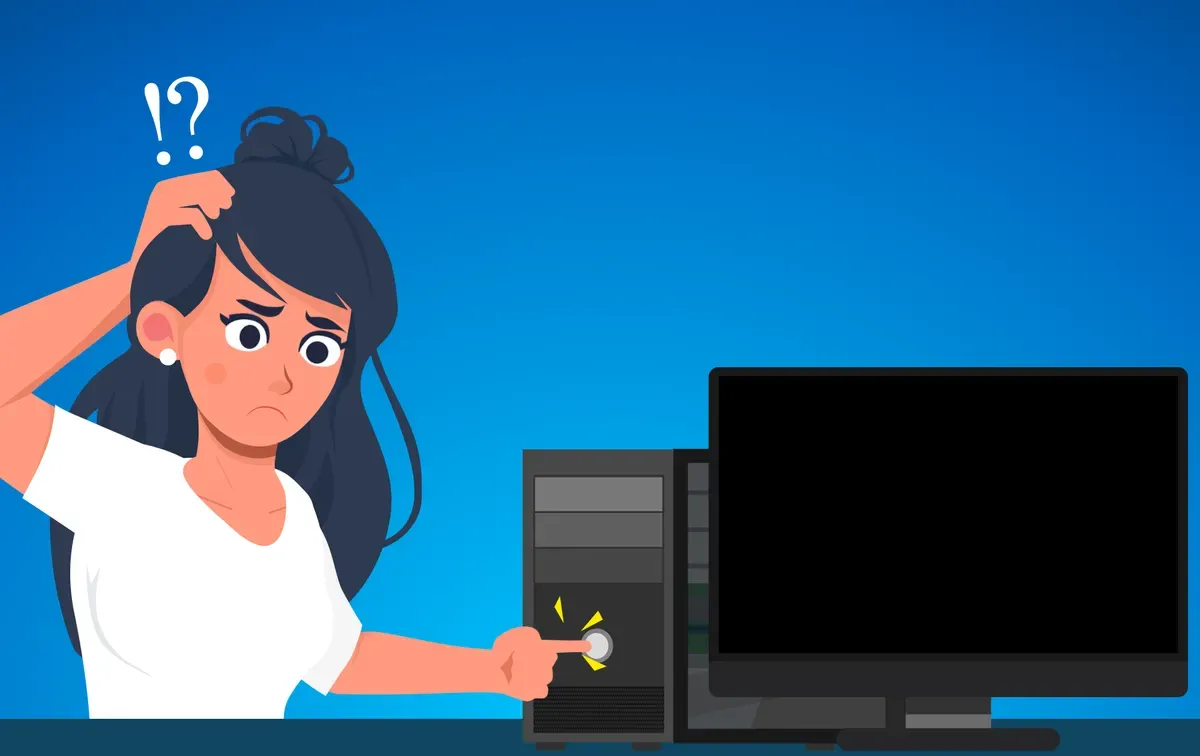
What to do when your computer won't turn on.
Ready to get to work, but your computer won’t turn on? Don’t panic just yet. Before calling for help, there are a few simple checks you can do to potentially fix the issue. Let’s walk through the steps to see if we can bring your computer back to life.
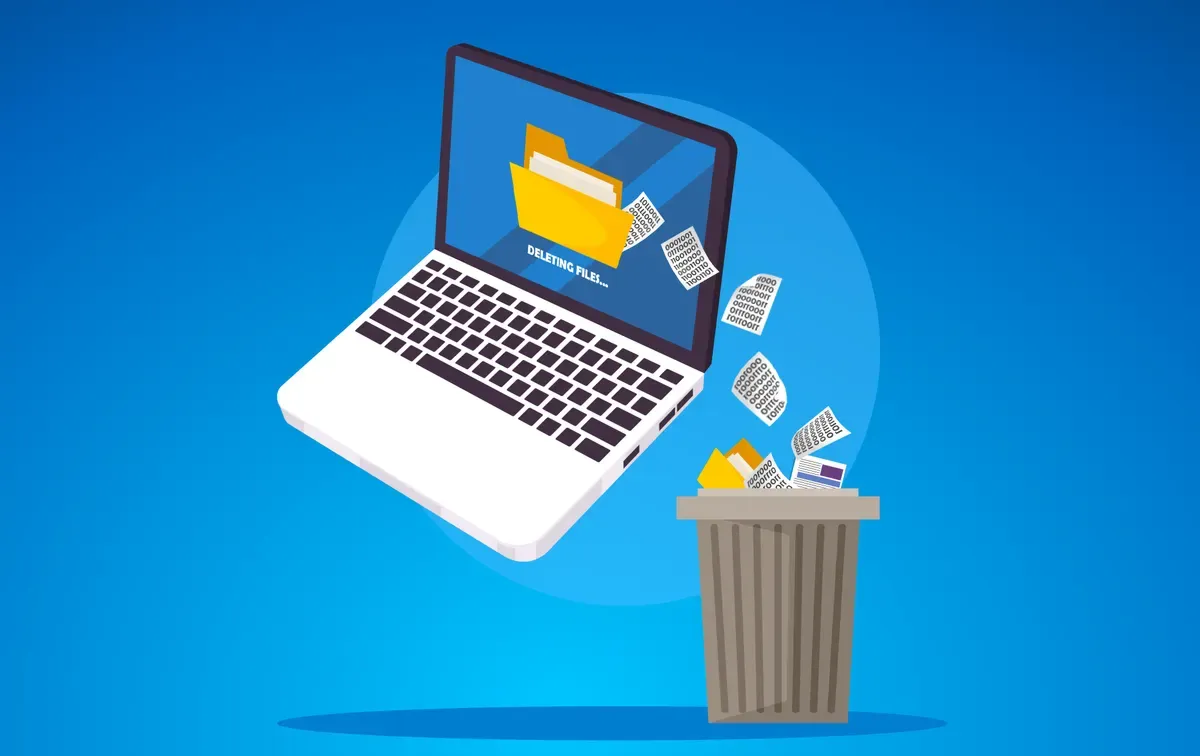
What happens when a file is deleted?
Have you ever wondered what happens when you delete a file from your computer? You hit the delete button, send it to the Recycle Bin, and then empty the bin, thinking it's gone forever. But is it really? Let's find out what's happening behind the scenes.

Tips to protect your digital privacy while travelling.
Planning a trip? Keeping your personal information safe on the go is crucial. Discover essential data security tips to protect your digital privacy while travelling. Read on to learn how to secure your devices and enjoy a worry-free trip.

Mystery Box Scam
As scams evolve, one particularly cunning tactic gaining traction is the "mystery box" scam. Preying on curiosity and desire, these schemes promise a treasure trove of high-value goods. This article breaks down how these scams work, the risks involved, and provides essential tips on how to protect yourself from falling victim.

Wi-Fi 7, the latest advancement in wireless technology
Wi-Fi 7, the latest advancement in wireless technology, promises faster and more reliable internet for homes and businesses. Before jumping into an upgrade, understand its benefits, real-world applications, and the current limitations to decide if it's worth the investment.
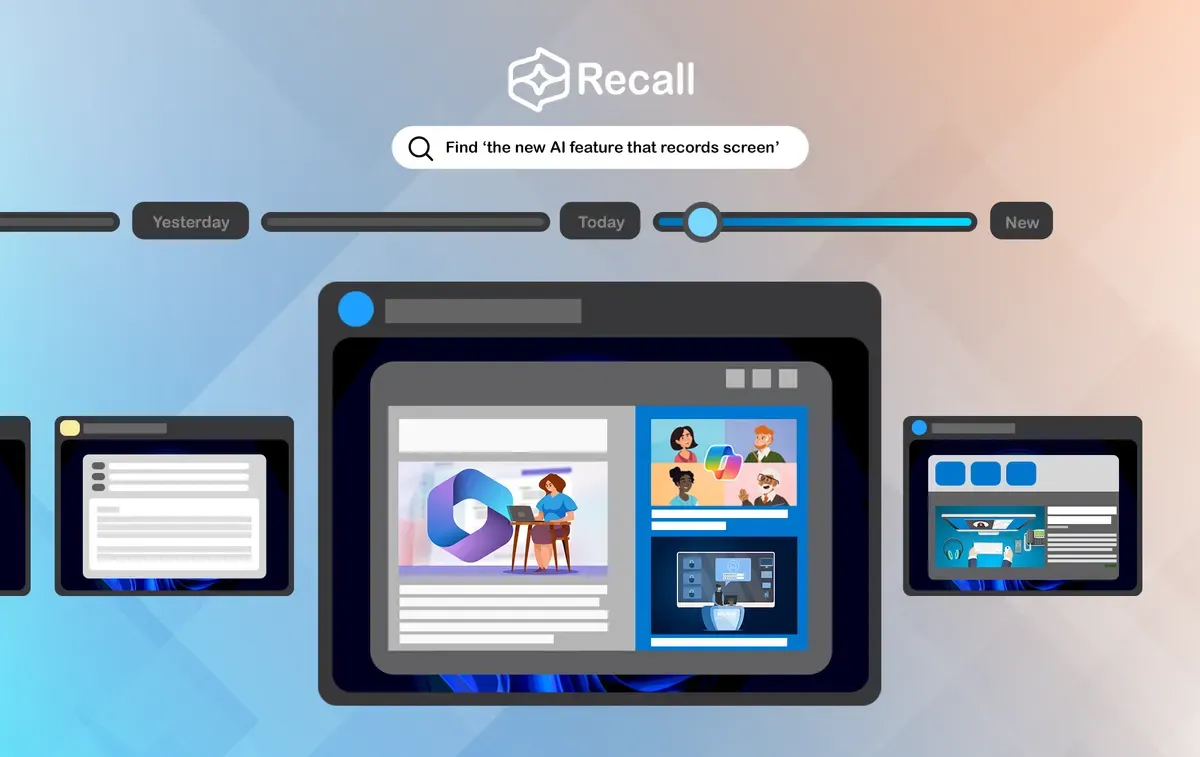
Discover Microsoft's innovative AI feature: Recall.
Discover Microsoft's innovative AI feature: Recall. This virtual time machine on Windows 11 PCs lets you effortlessly find past activities using natural language, making it a game-changer for personal and professional productivity.
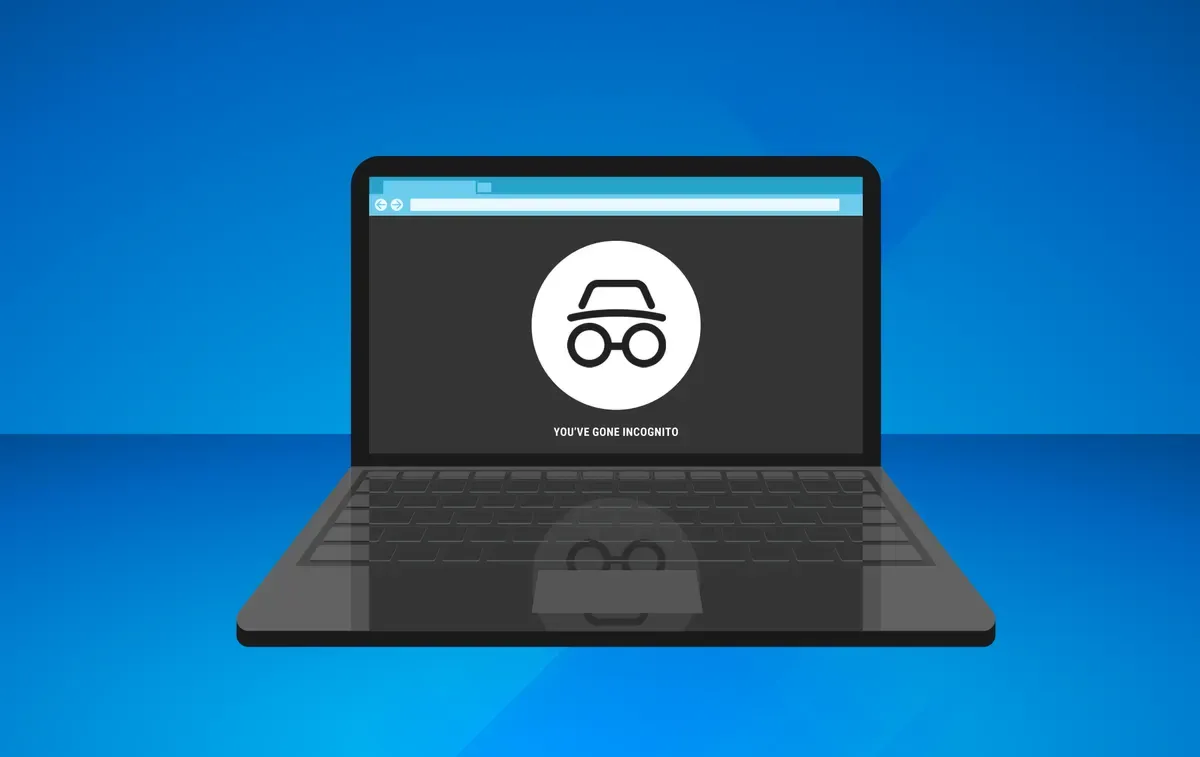
Understanding Private Browsing Mode.
As privacy concerns grow, many turn to Private Browsing Mode to conceal their online activities. This article delves into its pros and cons, offering insights into what it can and can't protect you from while browsing the internet.