For the computer on the kitchen table.
The same care, scaled down. What to watch for, what to ignore, and what to do the moment something looks wrong.
90 articles · page 4 of 4
Tech Tips Everyone Should Know
Millions of us have computers, but that doesn’t mean we all know the shortcuts that can make our lives easier. Check out our article to learn top tips to search Google smarter, simply screenshots, undo mistakes and more.
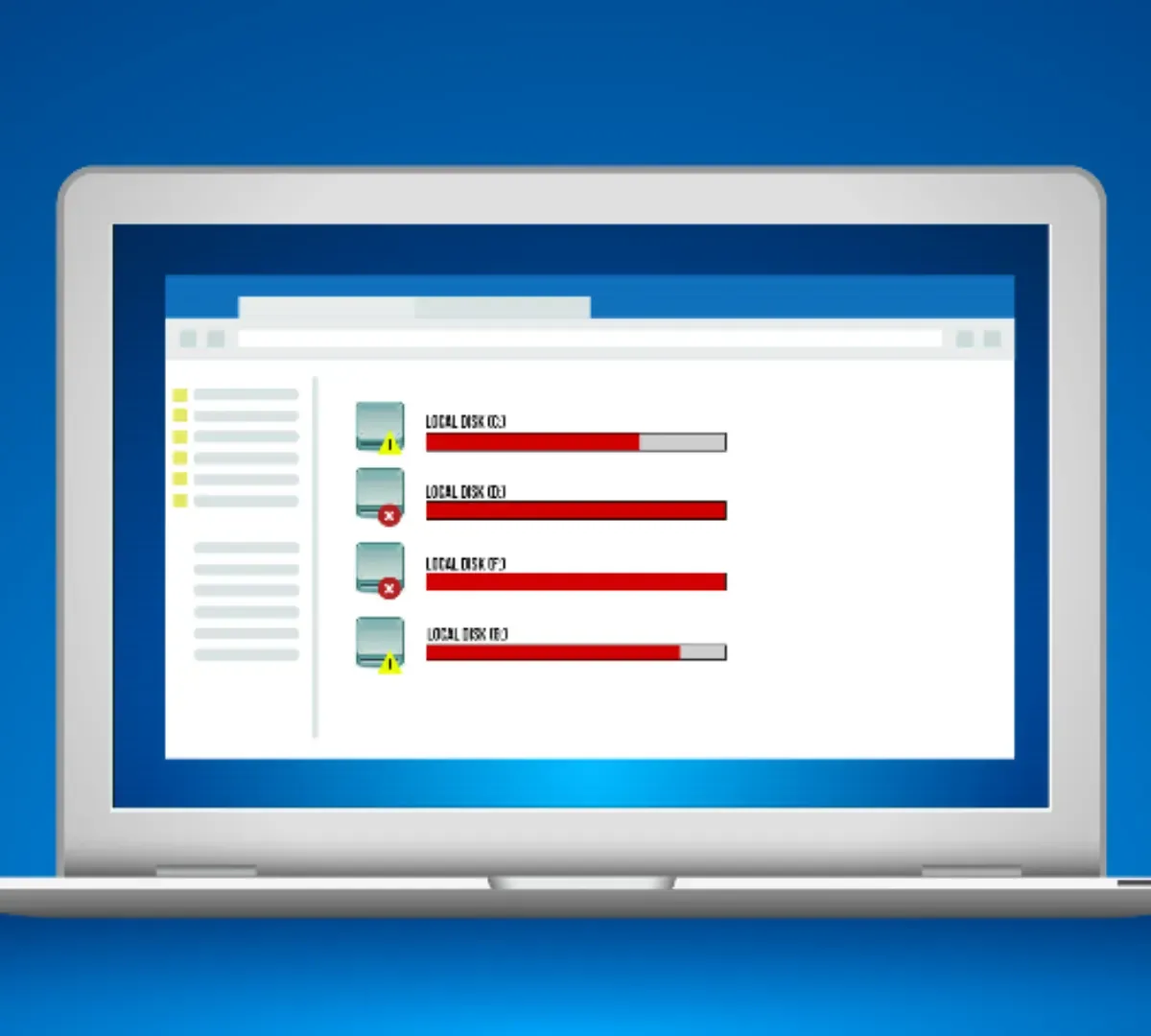
How Much Laptop Storage Do You Need
Knowing how much storage to get with your laptop purchase can feel like a skill testing question. This article shares the top considerations in making the choice. You’ll want to know more about both HDD and SSD storage when picking.
Stop Using Windows 8.1 and Windows 7 – Do It Now!
Change is seldom fun. But if you’re still using Windows 8.1 or Windows 7, you need to take action. Microsoft has stopped offering support or security updates for either one. You need to upgrade or you could be leaving your computer at risk of attack.
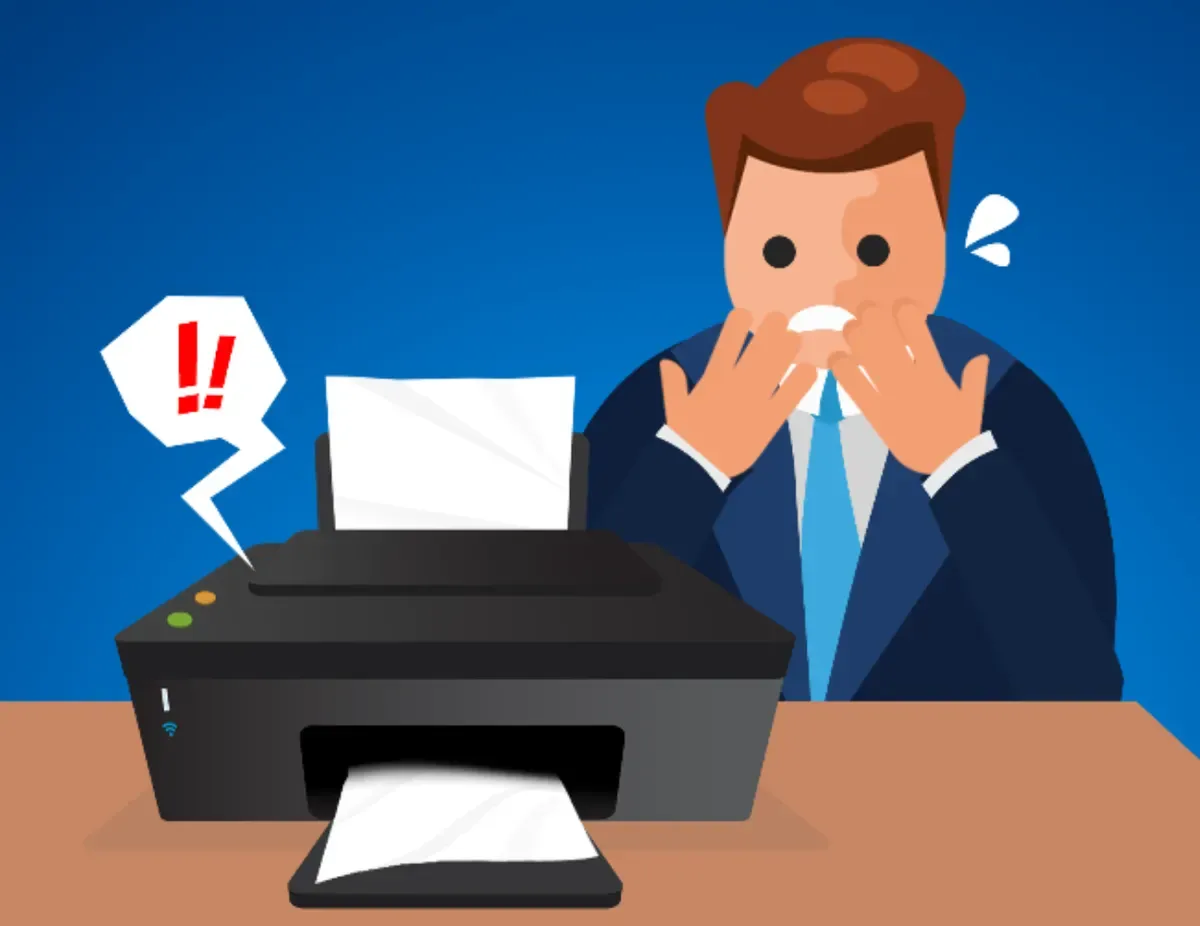
Why Are Printers Still So Terrible?
Odds are you’ve been frustrated by clogged inkjets, paper jams, or other common headaches with home printers. When there’s been so much tech progress, why are these devices so frustrating? Learn the reasons and some tips to deal with them.
GPU Shortage Ends: The Benefits
A global shortage of graphics processing units (GPUs) was a problem for graphic processing unit manufacturers. Anyone who wanted a GPU in 2021 and into this year struggled to get one. But there’s supply again. Find out the benefits.

What is SIM Jacking, and Why Should You Care?
SIM jacking is another way bad guys steal your identity. This time they use phishing to get your personal info and then get a new SIM card attached to your cellphone account. Then, the identity theft woes begin. Find out more about SIM jacking and what to do about it.
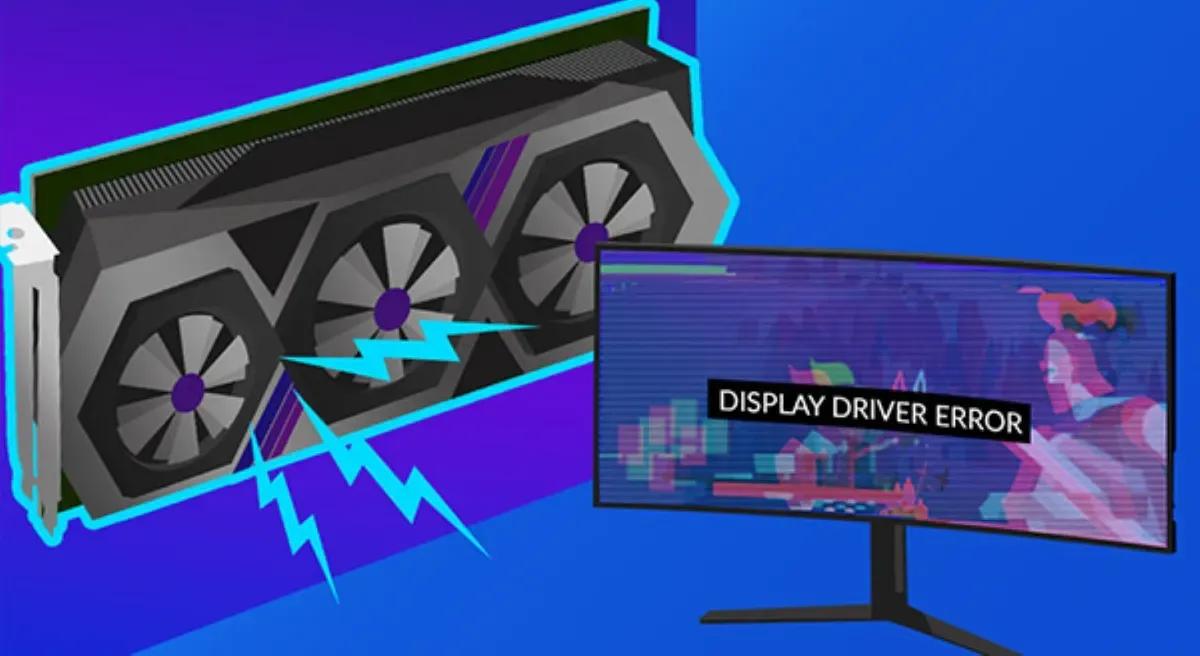
Is your GPU going bad? How can you tell?
Whenever you create a graph on your computer, you’re going to need a graphics processing unit (GPU). Without one, you won’t see anything on your computer screen. So, obviously, it’s a problem when it starts to fail.
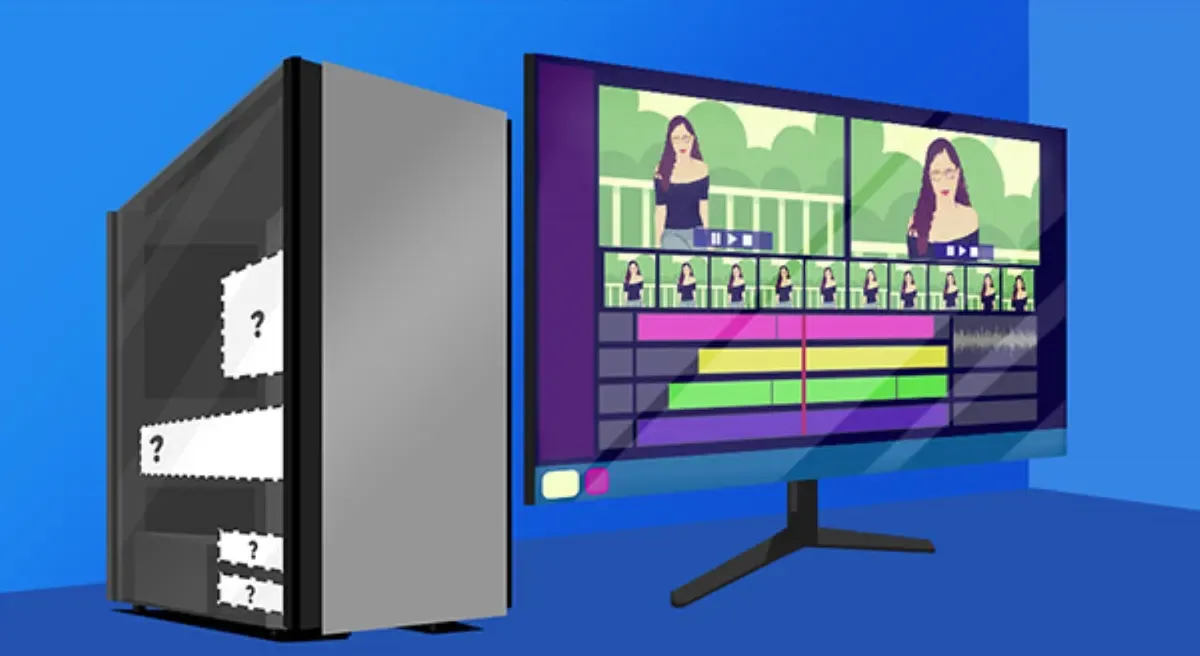
Picking a computer for video editing
Ready to be the next TikTok breakout? Or perhaps you want a video of your cockatoo “singing" “Amazing Grace” to go viral. Or you may make company promotional videos while working from home. There are many reasons you might be looking for the right home computer to do video editing.
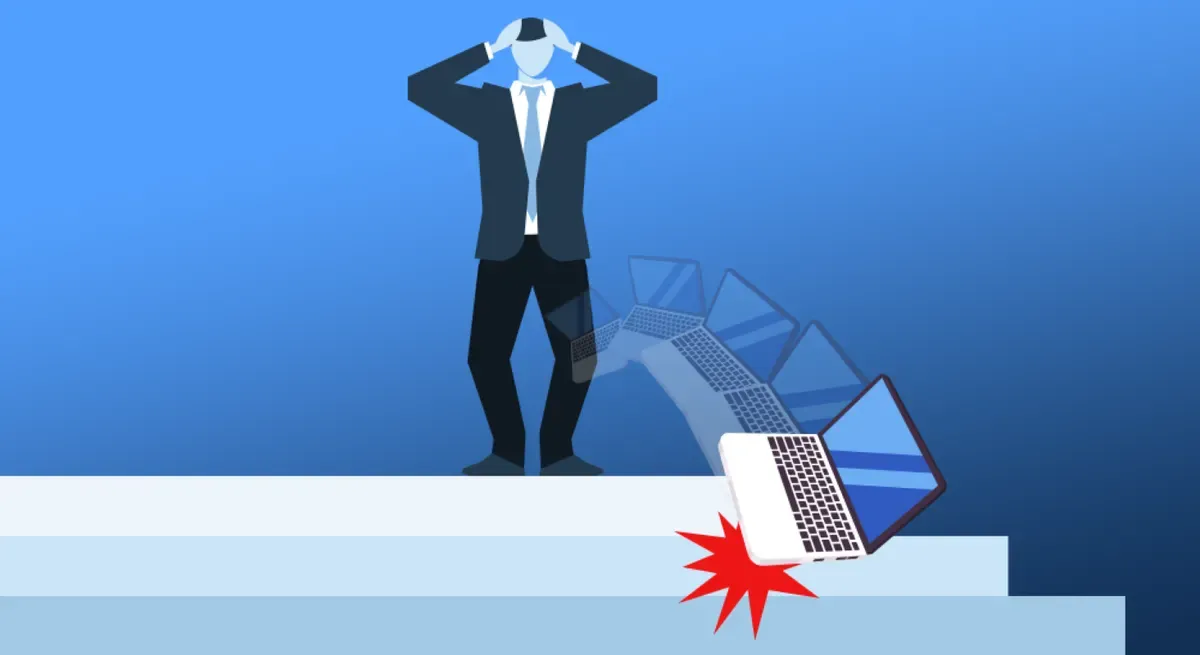
I dropped my laptop. Is all hope lost?
No one wants to drop their laptop. Yet, it can happen. And when it does, it can be damaging. Read our latest article on ways to avoid this common problem, red flags to look for when it happens, and the steps to taken after a laptop is dropped.

Passwordless logins are on the way!
Future Tech: Google, Microsoft, and Apple are joining forces to support a passwordless future! How great does that sound? Instead, we’ll use one passkey to access apps, websites, and digital services.

The holidays bring out the scammers. Stay safe.
The holiday season is a top time for scammers to target you. Learn about online shopping scams and other threats to avoid while you’re trying to be festive and have fun with family and friends. We identify six top scams and share tips to stay safe.
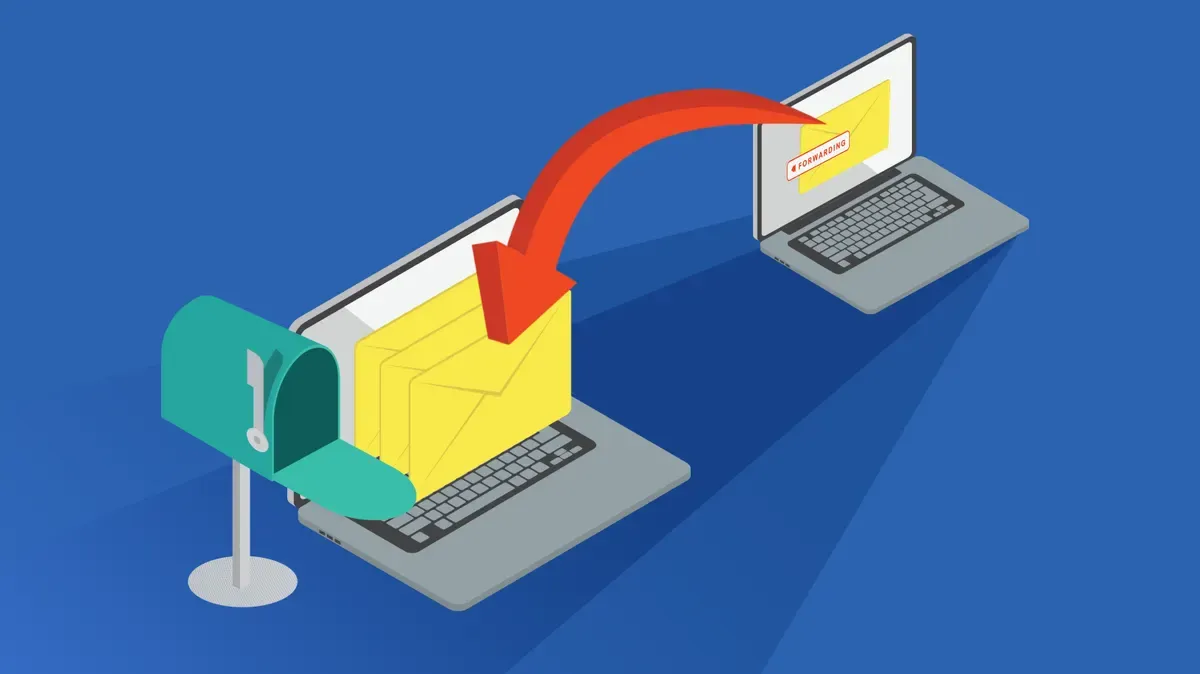
Having a plan when changing your email is important
If you have to change your email address, there are a lot of little things to do. You don’t want to miss any. That could be a big mistake. Don’t miss any messages or risk your account security. Read our checklist on changing your email address.
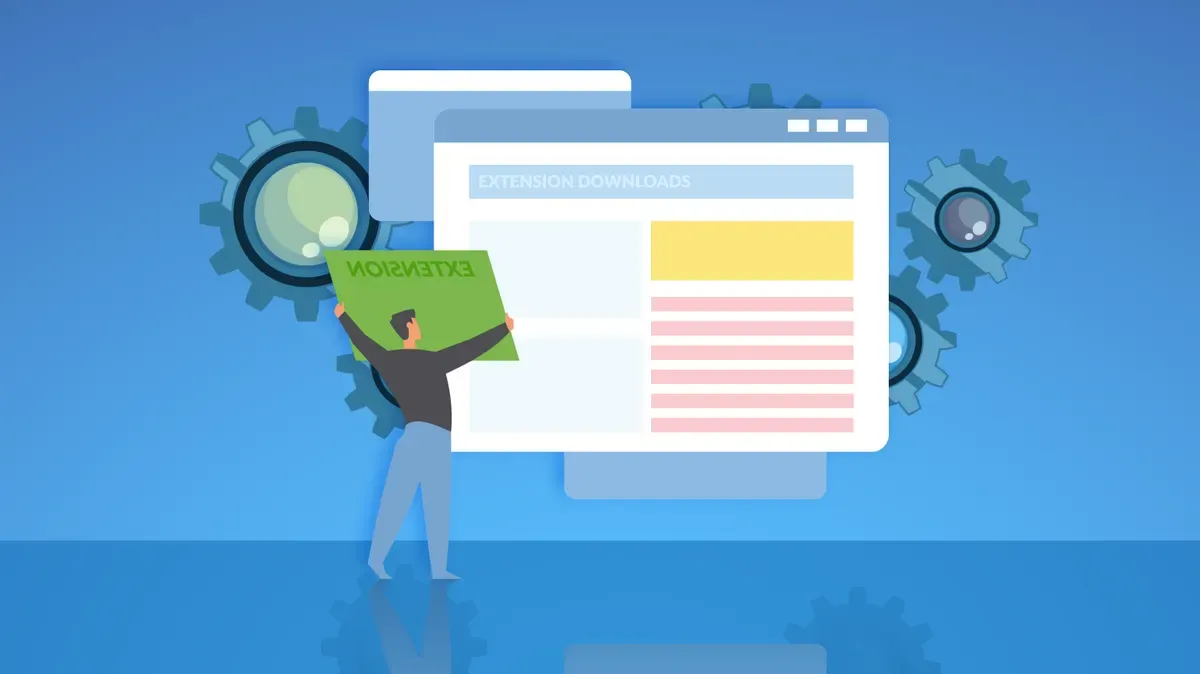
Browser extensions can do good or bad. Know the diff.
Browser extensions can help you personalize your web surfing, save you time, help your work — all kinds of things. But that’s the good stuff. They can also be risky as the code can do things you didn’t intend. Learn more.

What is vishing? How can you protect yourself?
Vishing: Don’t know what that means? You will after you read our latest article on this social engineering cyber attack. We share how crooks target individuals and businesses. Also, what to look for and how to prevent falling victim to vishing. Learn more.
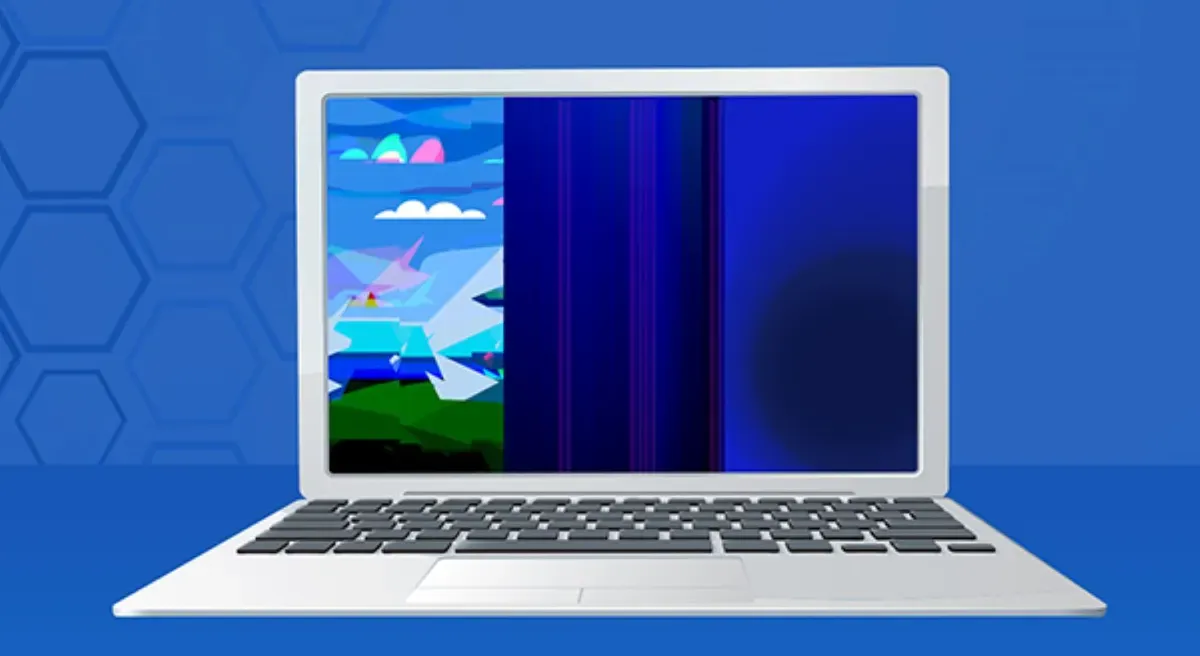
Getting a blank screen could mean the screen is broken.
Getting a blank screen could mean the screen is broken. But there are other symptoms to look for too. If your laptop screen breaks there are repair options. We’ll go over those and suggest ways to keep your laptop screen safe in our latest article.
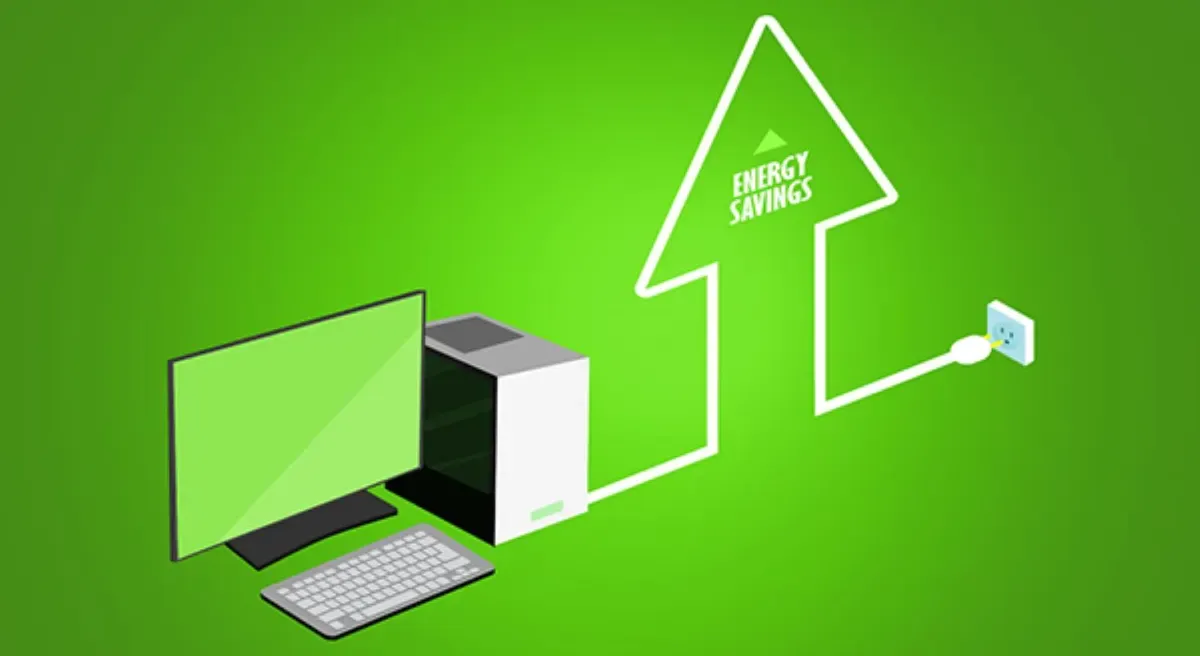
Every watt can count towards reducing energy usage
Every watt can count towards reducing energy consumption and lowering your power bill. You might already be turning off lights when you leave a room. You can also make a difference by taking small steps with your home office setup. Learn strategies to cut personal computer power consumption.
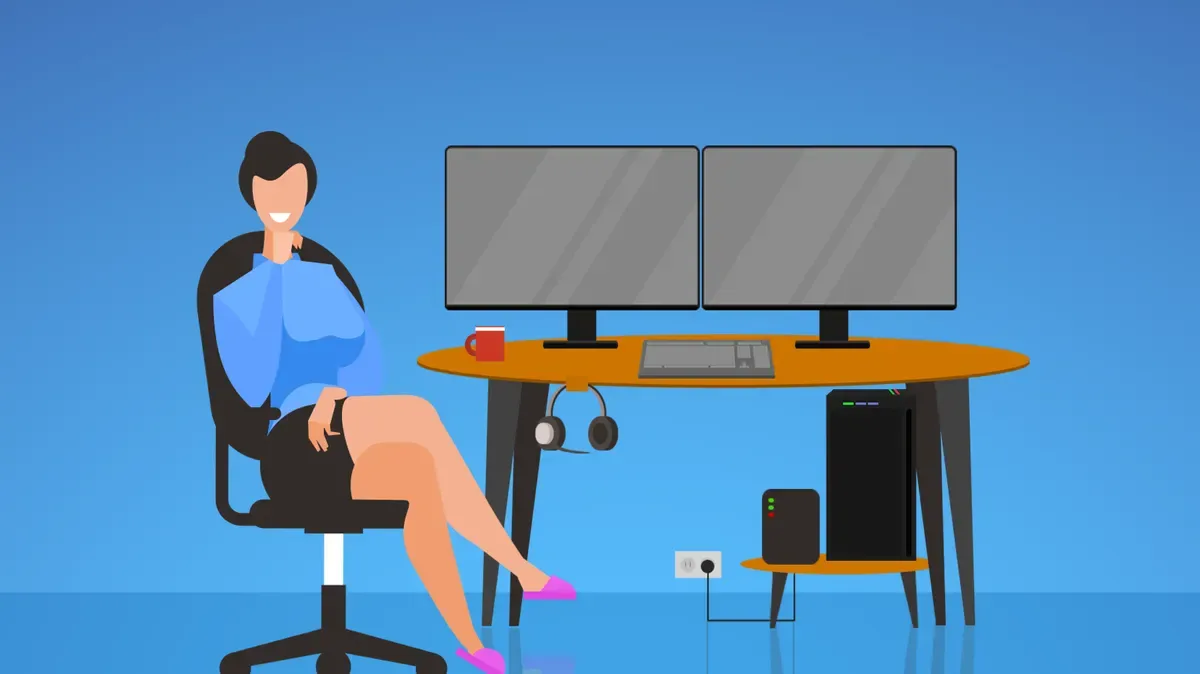
Easy Upgrades for your Home Office
If you’re working from home more now, you may want to reassess your home office environment. Our latest article shares several simple ways you can improve productivity, make your space more comfortable, and reduce stress. Find out more.
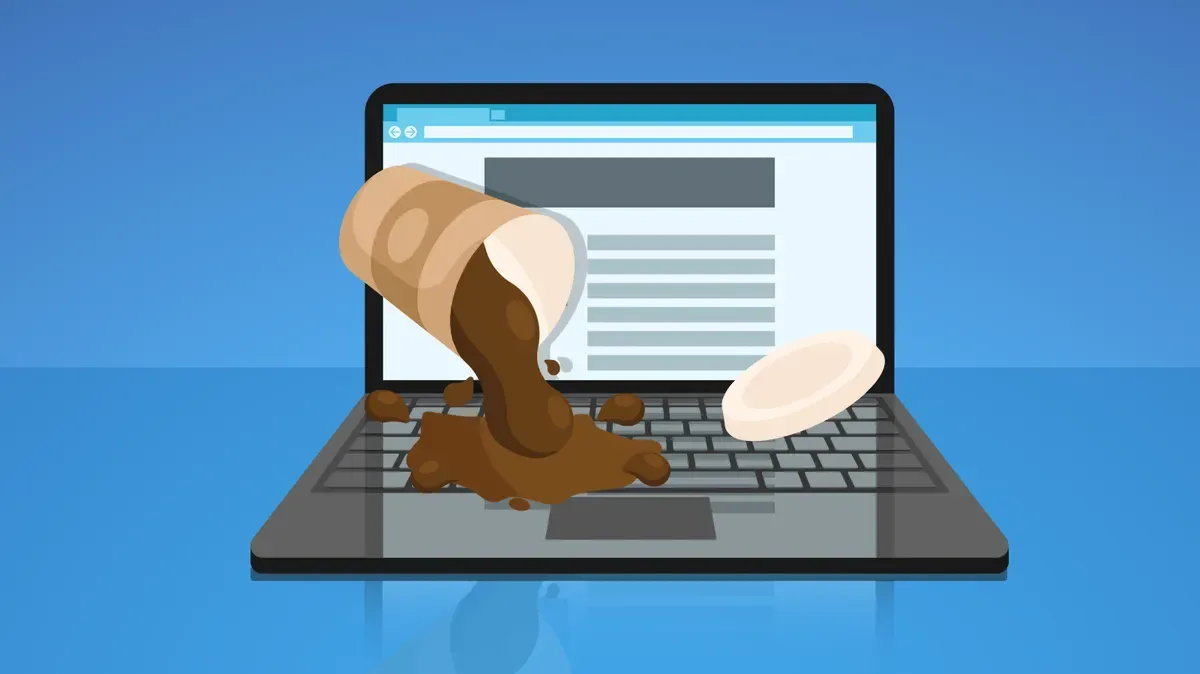
Signs Your Computer Suffers from Water Damage
Dripping water is an obvious indicator that your laptop or computer has been exposed to liquids. But it’s not always that easy to tell. Read about the top signs your computer has water damage.