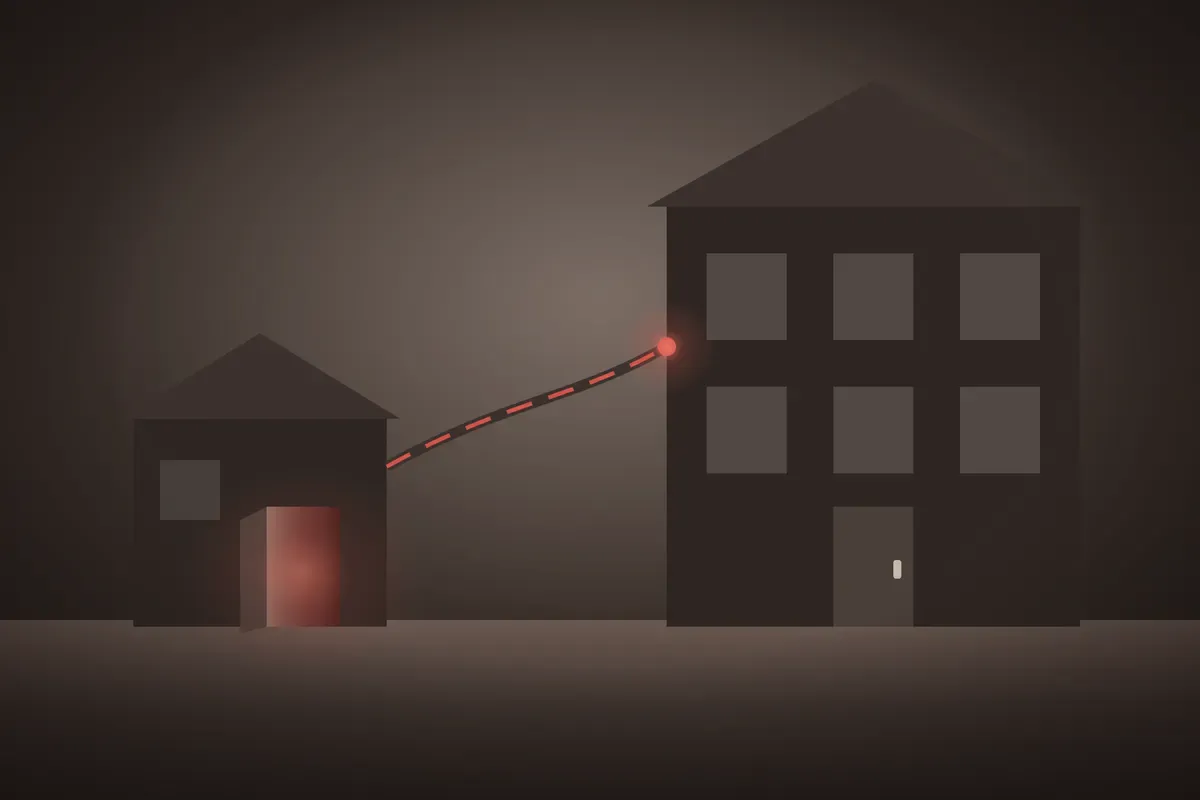
Opening a second location is a good problem. The lease is signed, the new team is hired and everyone wants the doors open. So the technology for the new site gets put together fast, by whoever is free, with whatever works.
That is exactly how the new site becomes the weakest part of the business, and the part an attacker tries first.
The new site is smaller, and that is the problem
Whether the second location is a copy of the first or something different, like a warehouse that supplies a retail store, it usually has fewer people and nobody with a technical background. Nobody notices when a computer stops taking security updates. Nobody notices when the antivirus quietly lapses. A strange pop-up gets closed and forgotten instead of reported.
Meanwhile the two sites are joined. They share email, files, customer records and often the same passwords. An attacker does not need to break into the main office. They only need the computer in the back room at the new one, and it leads straight home.
How two sites drift apart
When each location runs its own setup, small differences pile up. Files live in different places. One site has strict password rules and the other has none. Staff at each site invent their own ways of doing routine jobs.
The everyday cost shows up as duplicate files, records that do not match and questions one site cannot answer about the other. The security cost is quieter and worse. Nobody can say which machines are current, which are not and which former employee at which site still has a working login.
One standard, both buildings
The fix is to run every location on the same setup, looked after from one place:
- One set of staff accounts, so removing someone removes them everywhere.
- One shared home for business files, so there is one copy to protect and back up.
- The same security tools and settings on every device, at every site.
- One record of every computer, printer and software license the business owns, with its age and condition.
Each site keeps its own equipment. It is all built and maintained to the same standard. Updates go out the same way at both. A gap at the small site is found as quickly as a gap at the big one.
The side benefits are real too
With both sites the same, a staff member who moves between them finds the same logins, the same folders and the same tools. A fix made at one location rolls out to the other at the same time. Replacement planning covers the whole business, not one building at a time.
And when you open a third location, the setup already exists. New devices and accounts slot into it, and the new site starts protected instead of catching up.
Build it right in the first weeks
The decisions made in a new site’s first weeks tend to stick for years. Rushed means weak, and weak means it becomes the way in. The old way was getting the new site running and sorting it out later. The new way is building it to the same standard as the first site before the doors open.
Here is your five-minute check. Pick one computer at your newest location and find out when it last installed a security update. If nobody can tell you quickly, neither site is as protected as you think. Then check whether last year’s leavers at that site can still log in.
If you are planning a new location, or already have one that grew up on its own, the next step is below.
👉 New to Borked PC? Start by filling out our quick Right Fit Questionnaire to see if Borked PC could be the right IT and Cybersecurity Partner for you.
📞 Or schedule a free 15-minute call at a time that works for you: Book a call
Prefer to talk now? Give us a call at (610) 599-6195.